Creating an incident on the platform is a simple process that lets you log any event, problem, or request your team needs to handle. This initial record is key to making sure everything is tracked properly and keeps a clear trace of what's happening in the plant or during the process.
Go to the Main Dashboard
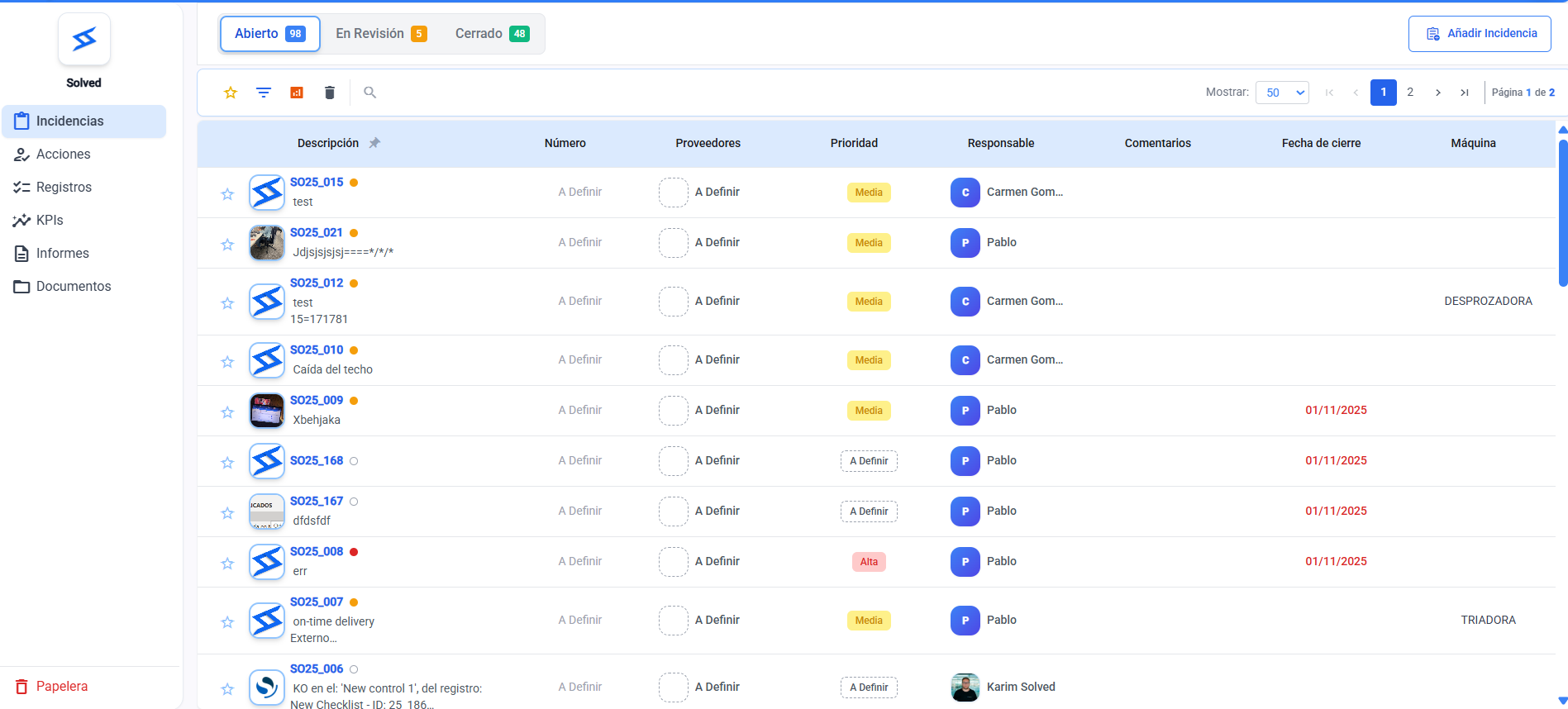
Select the "Add incident"
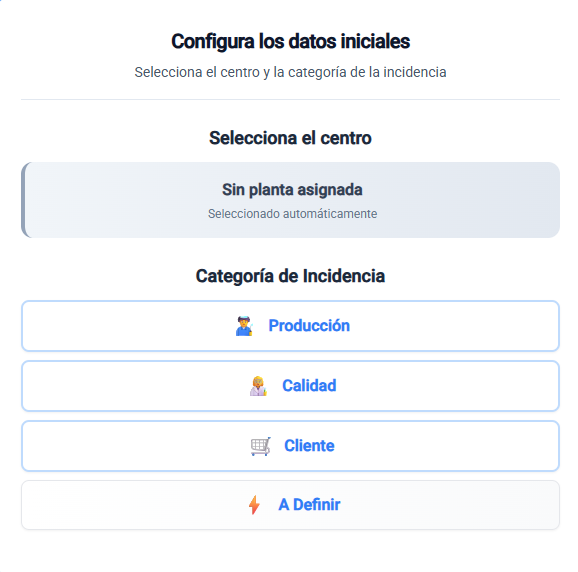
Choose the category of the incident.
Fill in the required and optional fields defined in the template.
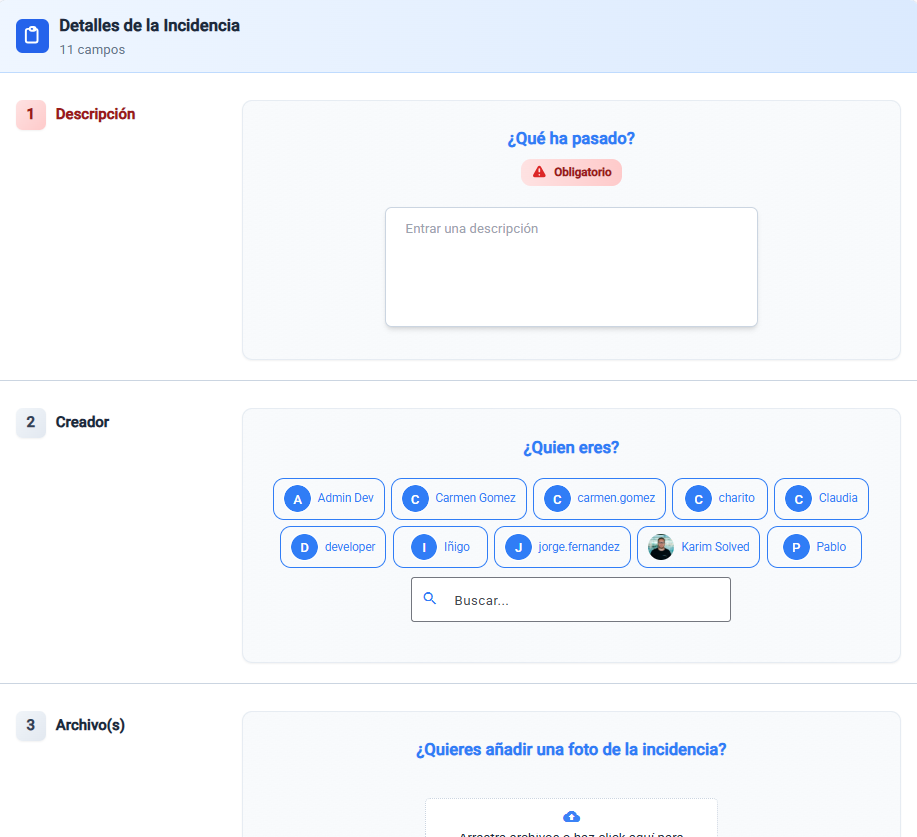
Confirm that all the fields are filled in
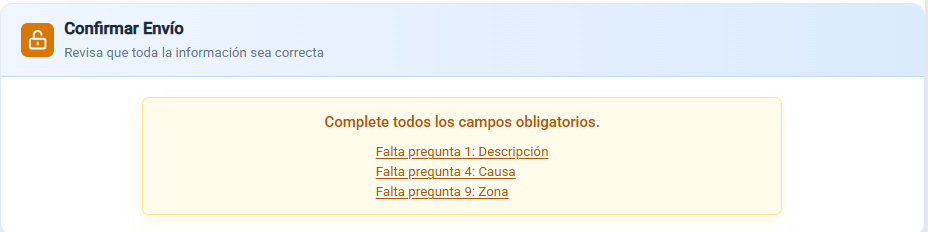
Save and send the report so it gets registered.

Each company has its own templates and custom fields, so the process may vary a bit depending on the setup, but the flow is always the same:
select category → fill in info → save.
You can leave the form at any time and come back to the issue later if you don't finish it.
The tag-style format helps make the process smoother and more intuitive.
When you select the category, the questions load automatically based on the type of issue.
If you have limited permissions, you might not see all the available categories.