(VIDEO)
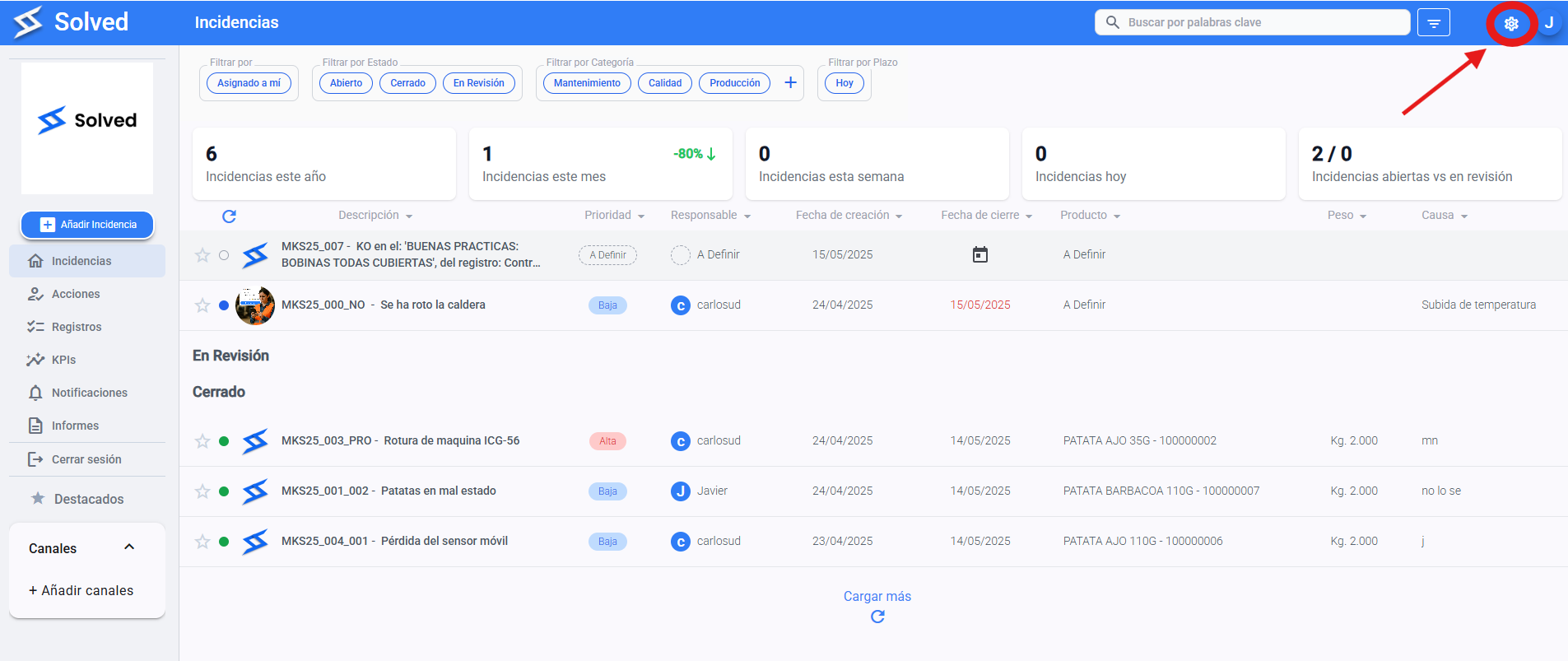
Click the settings gear icon in the top right corner of the screen.
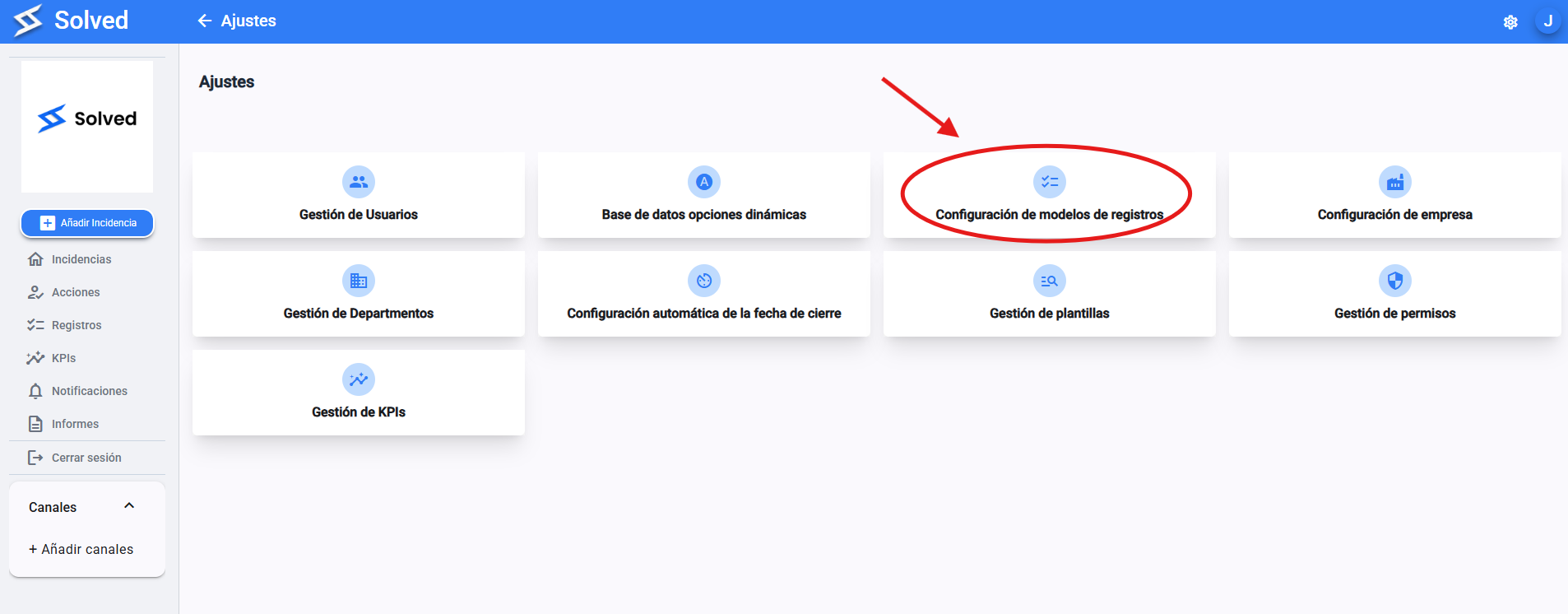
From the settings menu, pick the “Checklist Settings” option.
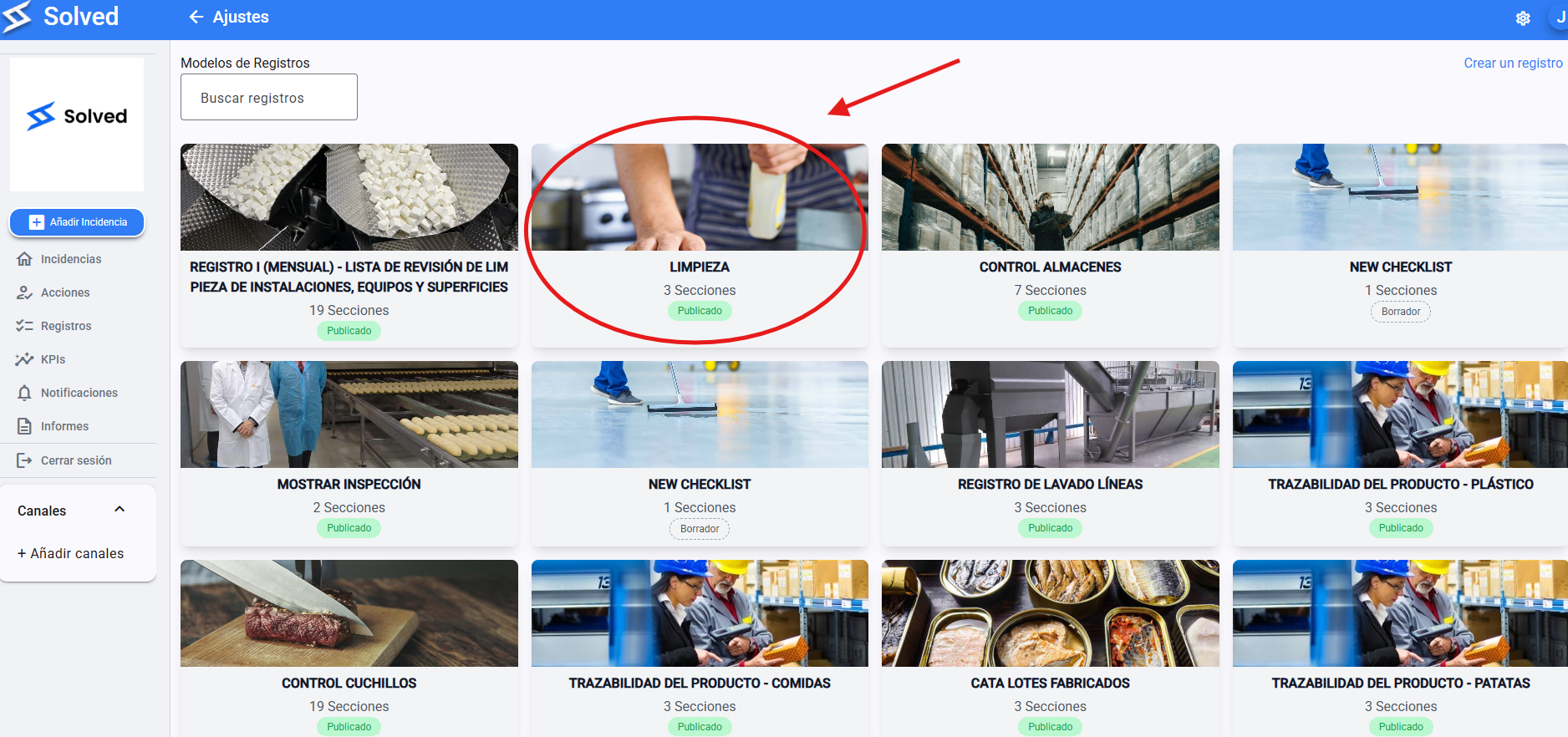
Find and click on the checklist you want to generate automatically.
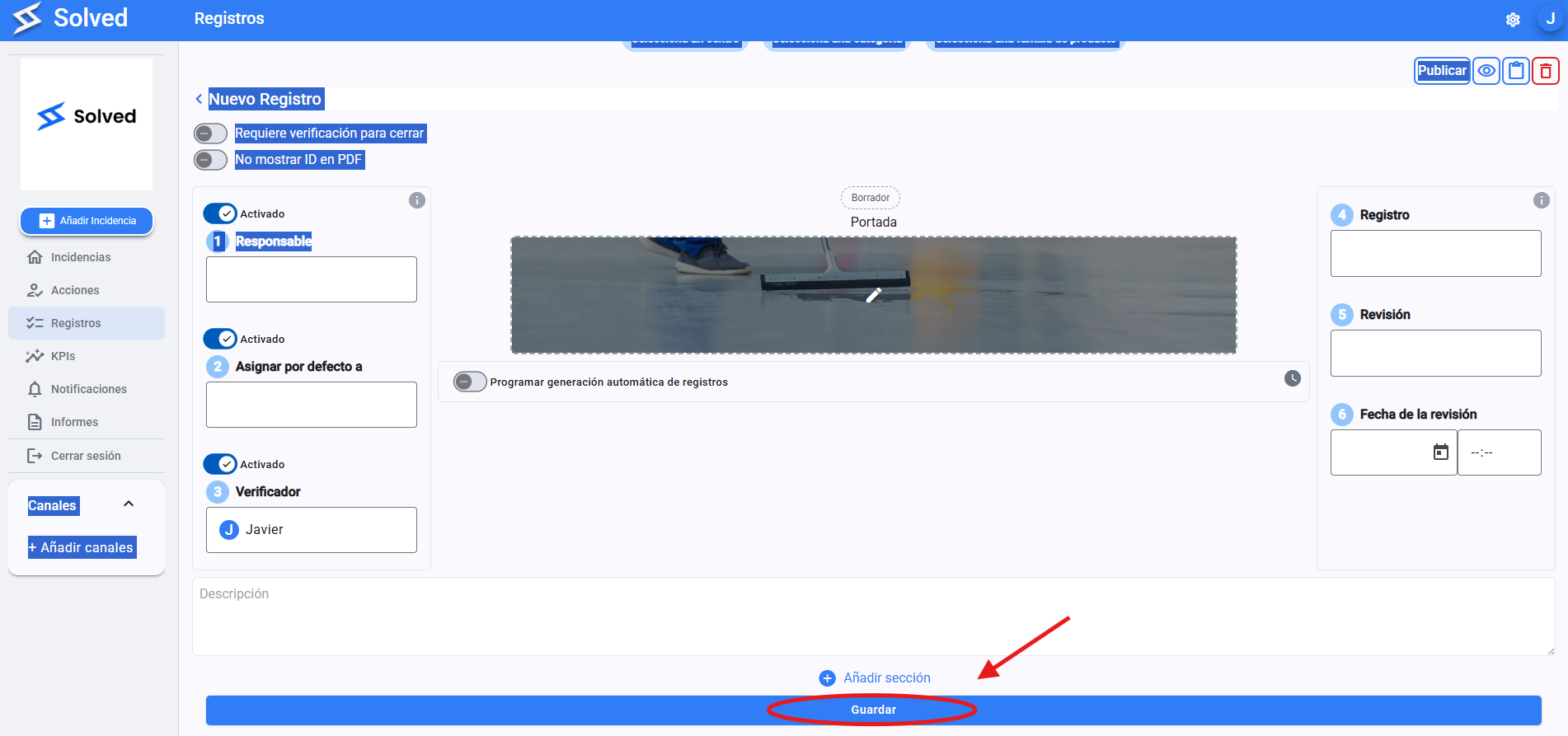
Click on “Schedule automatic checklist generation”.
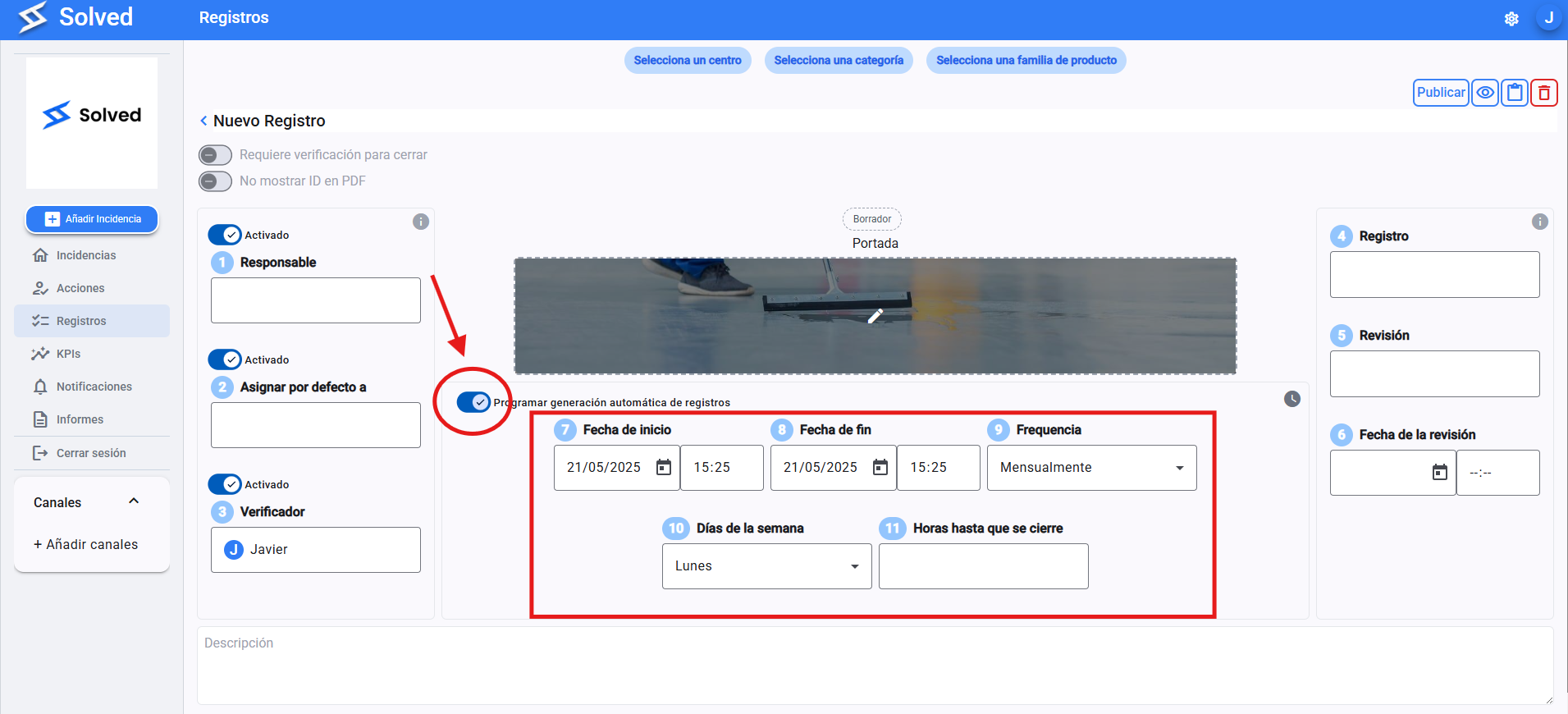
Fill in the following fields:
Start date: Tells you the day and time when automatic generation will kick off.
End date: Set how long you want the checklist to be generated (it can be years out).
Frequency: Set how often a new checklist will pop up (daily, weekly, monthly, etc.).
Days: Pick which specific days of the week it should be created.
Time until it closes: Choose what time of day the checklist will close automatically, whether you've changed it or not.
When you're done setting up your new checklist type, just click “Save”.