👥 User visualization in the incidents
When an incident has a field linked to a user-type database, you can select an external contact, like a supplier or customer, and use them as a communication recipient.
Access the already created ticket

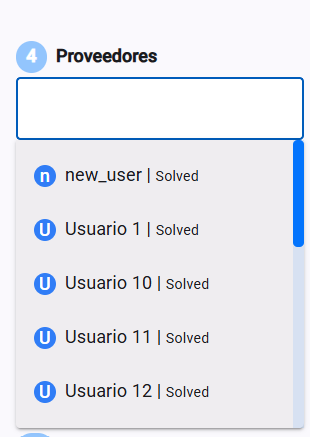
Select the user from the database in the corresponding field
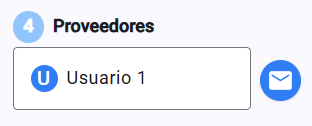
An envelope icon will show up so you can send the email to the main email and all the ones set as copies before.
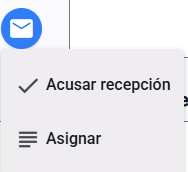
Tap the icon and you'll get two options: Acknowledge receipt and Assign → the only difference is the email they receive
Either the ticket has been assigned to you
Or a confirmation email is sent that the ticket has been delivered.