Access dynamic options databases
From general settings

Or from the dropdown on the main view
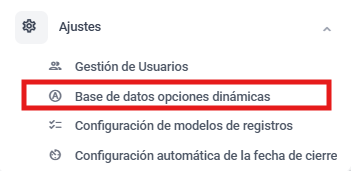
Open the dynamic options database module, user type

Expand the database to edit
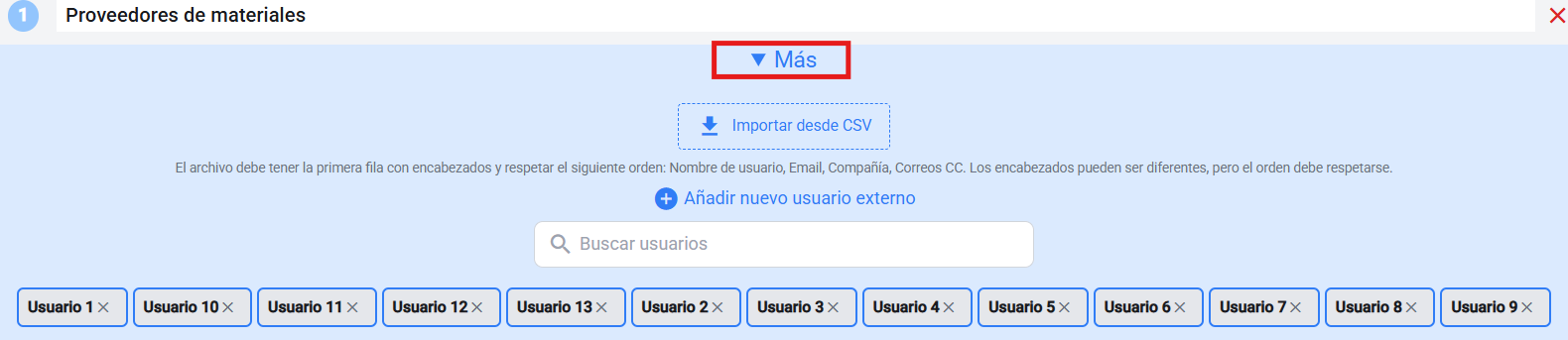
Select the “Add a new external user” button

Fill in all the required fields
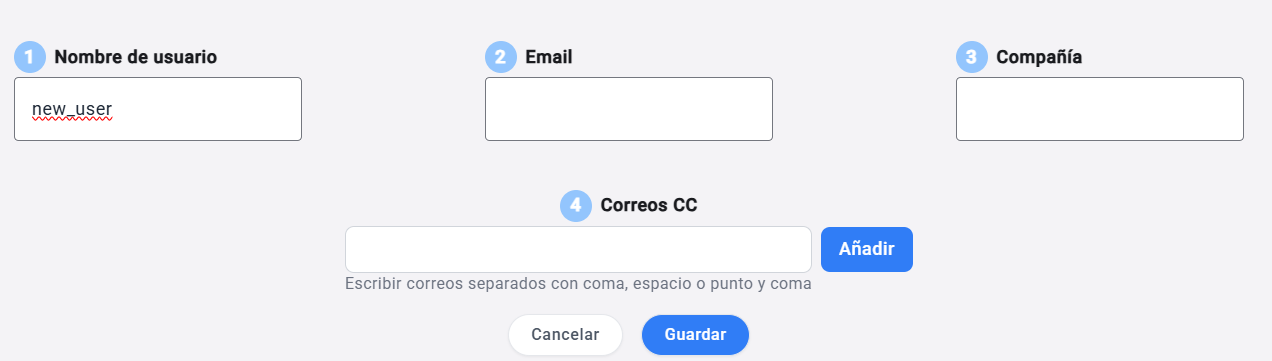
Save the changes

💡 This will update the data for all issues where that user is used, making sure data is consistent and coherent across the whole platform.