Go to settings
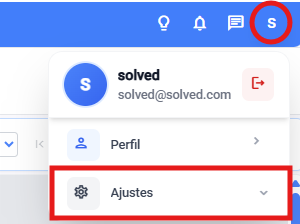
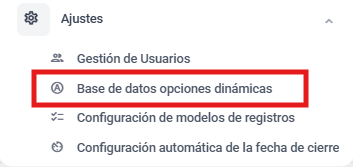
Go to the dynamic database options module
a. From the general settings

b. Or from the main view dropdown
Select the database text type

Add a new database

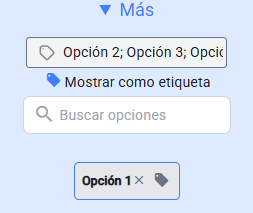
Set a new name and hit the “More” button to add options

Add the options. Two ways:
One by one → write the option in the “Add an option” bar and press “ENTER”
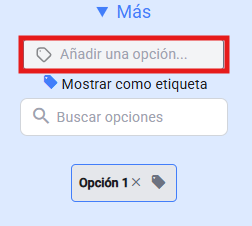
Several at once → write all your options in the bar but separate them with a “;”
Save the setup