
Go to the already created incident

Tap on the selected item
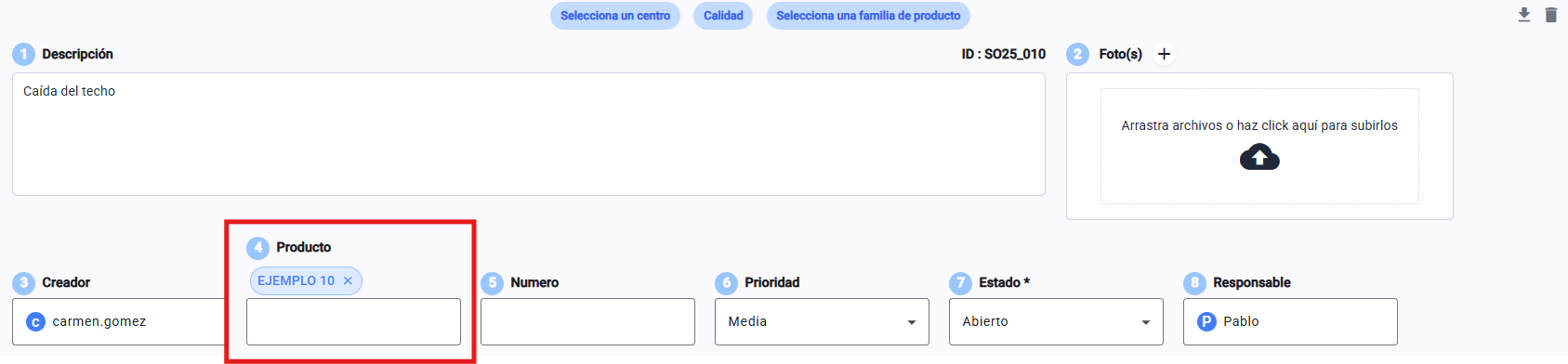
You can see all the attributes that the element has, and edit them too.

Learn how to edit the attributes of a database item
Go to the already created incident
Tap on the selected item
You can see all the attributes that the element has, and edit them too.
Learn how to edit the attributes of a database item