Item-type databases let you create lists of items with detailed info linked to each option. They're perfect for managing products, materials, suppliers or any kind of item that needs multiple attributes.
Go to settings
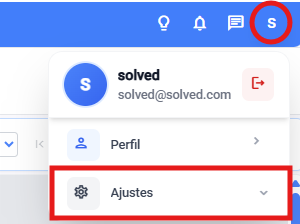
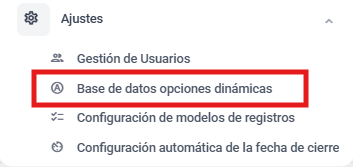
Enter the dynamic options database module
a. From general settings

b. Or from the dropdown in the main view
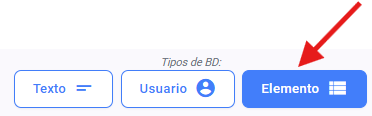
Select the database element type
Get your excel file ready. It has to be super tidy and set out in columns with no extra info, since that might mess up importing data.
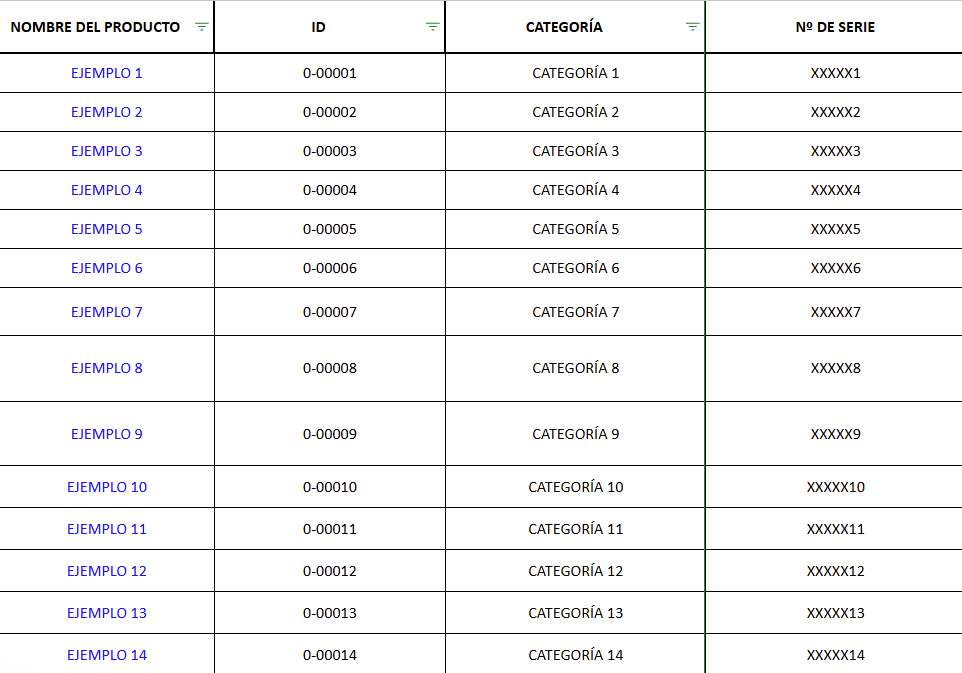
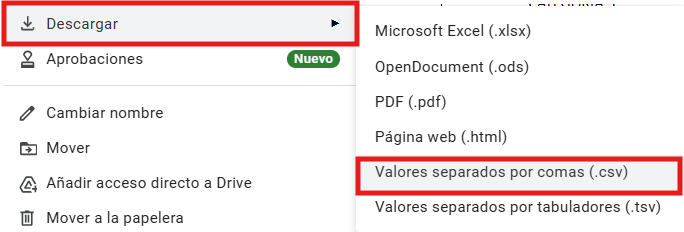
Turn the file into a CSV. when it's ready
Go back to the platform and import the file to the new database

Pick the main attribute → this will be the value users see and can choose.
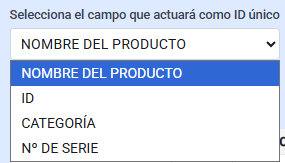
Once you've picked it, import the data

Save the setup.