Before you can sign up on the platform, an admin needs to give you access from the User Management. This means your profile is created first by the admin, and only after that you’ll get a welcome email with the steps to finish your registration.
Get access from an account admin, who adds you as a user through the User Management module.
Get a welcome email with instructions and a link to sign up.

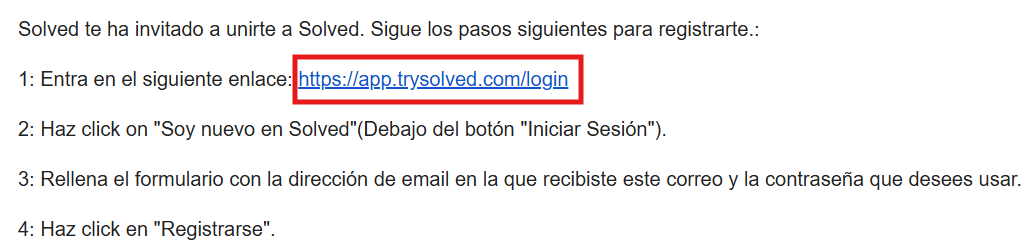
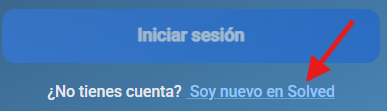
Click the link that takes you to the platform login. Hit the “I’m new to Solved” button
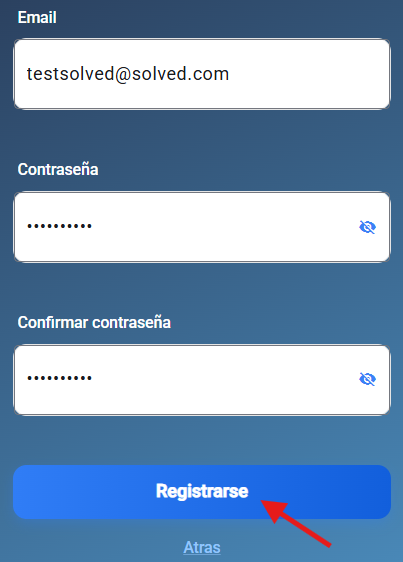
Fill in your email and a secure password. Press “Sign up” and you’re good to go on your platform.
Here you’ll find the installation guide for the platform on any device.