
Steps:
Go to settings from your platform
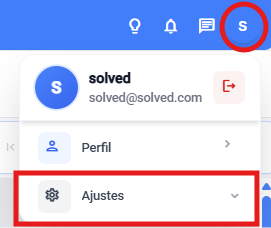
Select the “Client management” module

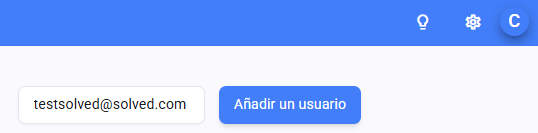
Add an email in the top right bar
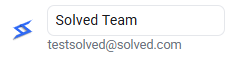
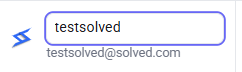
Look for them among the users and change their name (if needed)
The new user will get a welcome email where they have to sign up.
Here you’ll find the step by step to register.