Log in to the Solved app:
👉 https://app.trysolved.com/
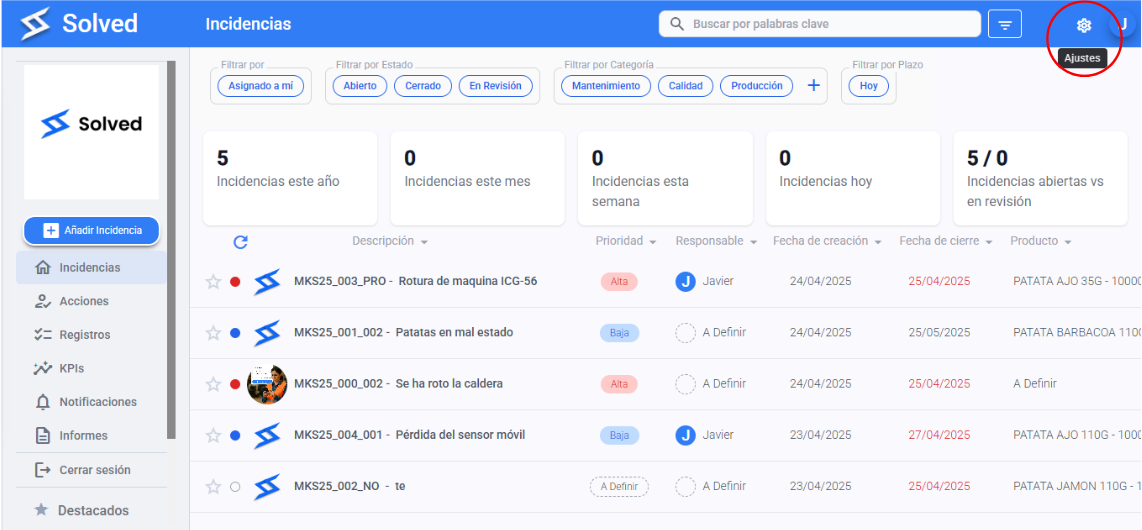
Go to the console section.
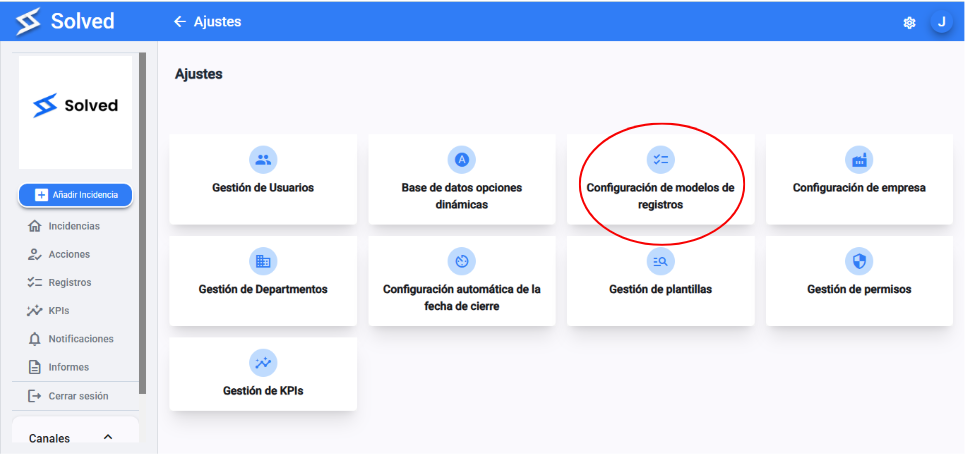
Head to the Record Model Settings section in the menu.
Pick a record.
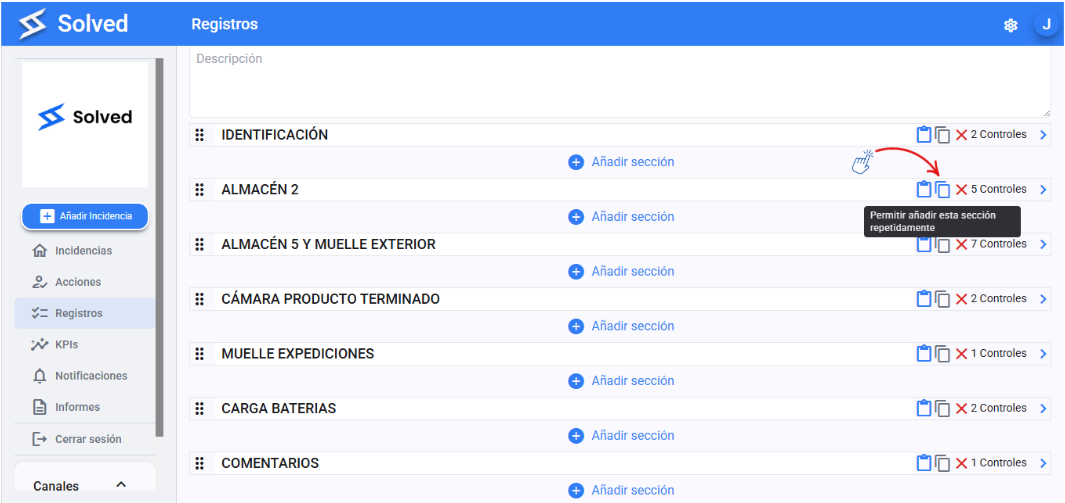
Pick the section you want to copy.
Click the option “Allow adding this section multiple times”.
Hit Save if you made any changes, or just start using it if it’s already good to go.
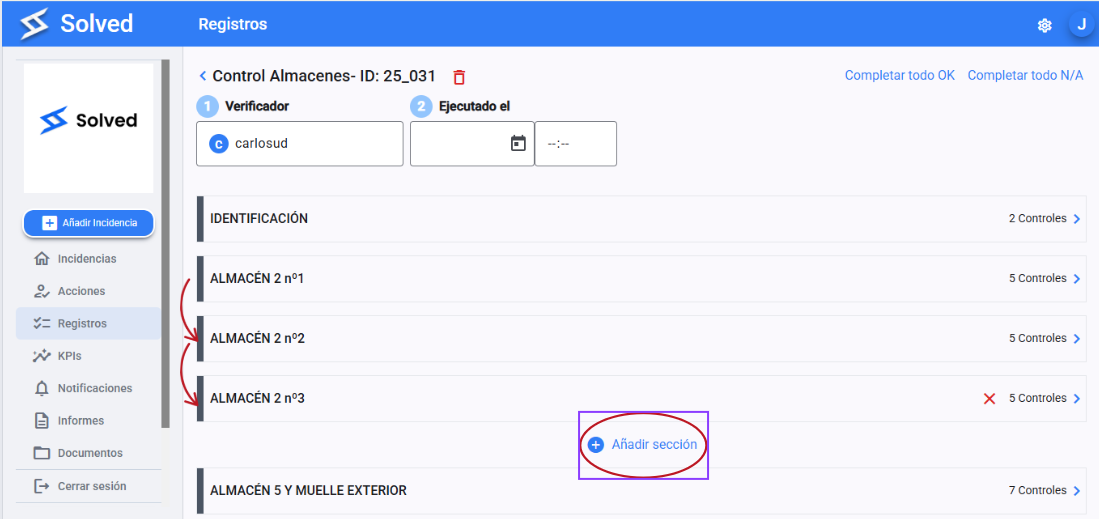
When filling out the record, you’ll be able to answer that section as many times as needed. Just hit the “add section” button.