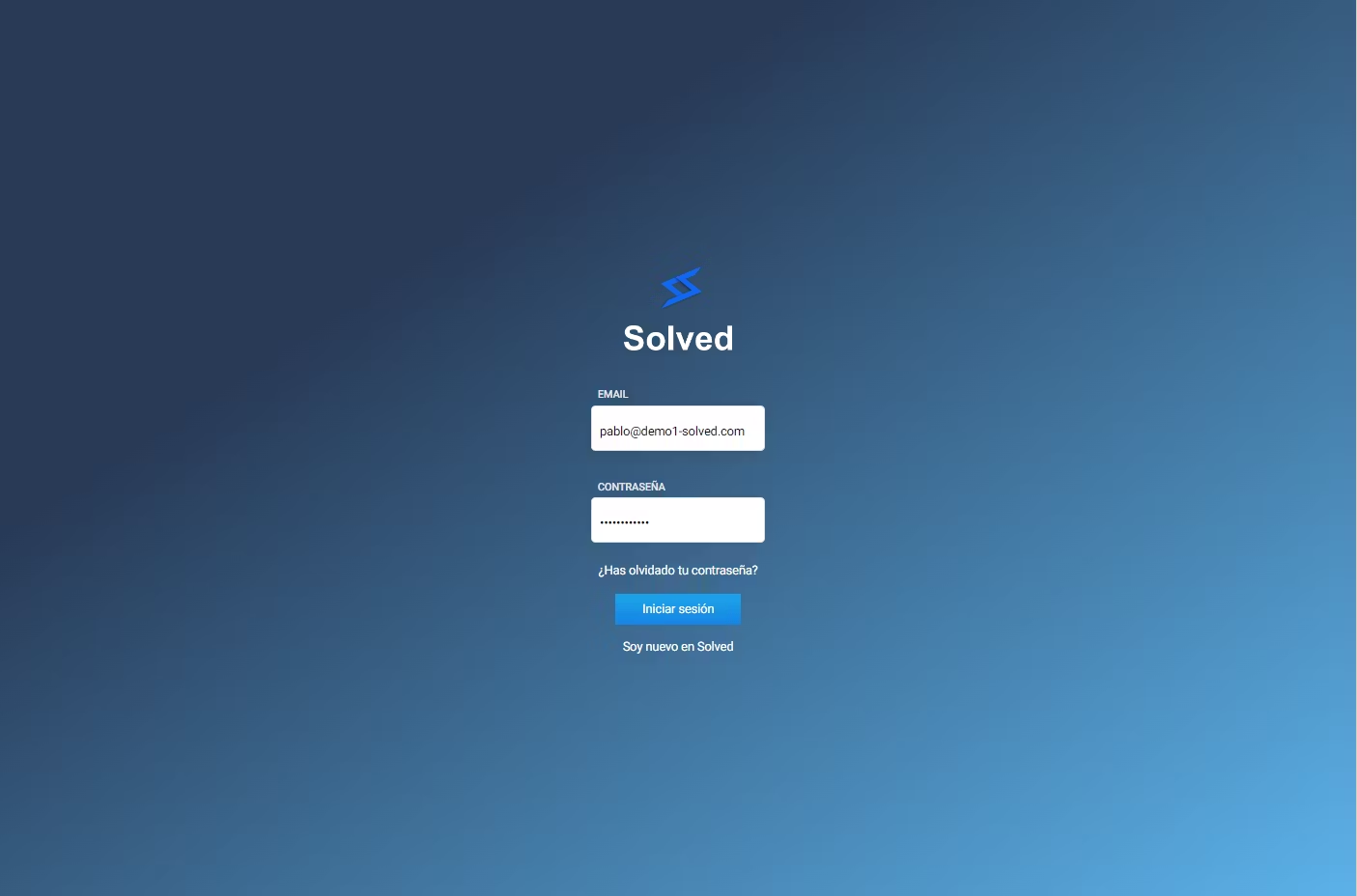
Log in to the Solved app:
👉 https://app.trysolved.com/
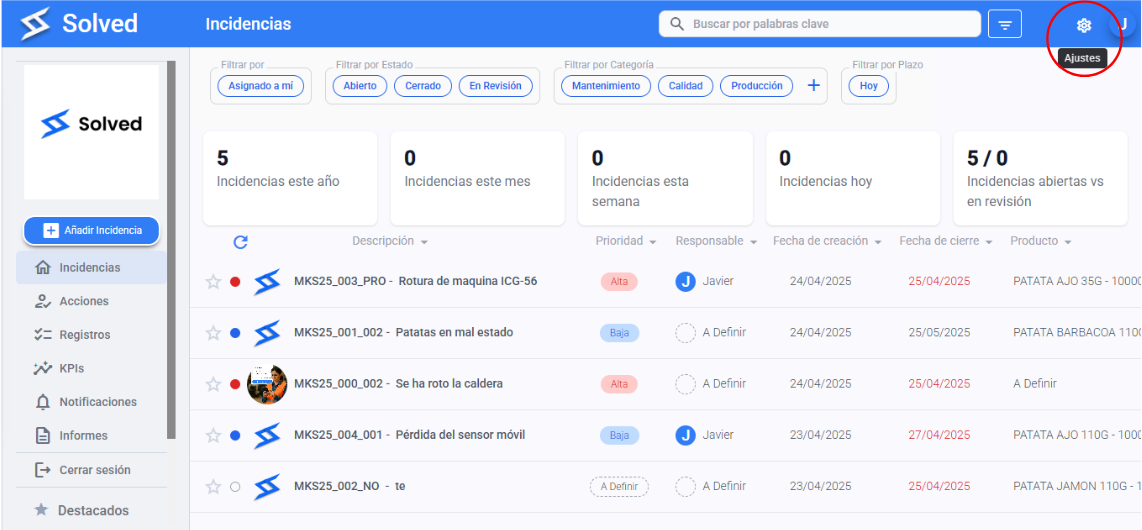
Head to the console section.
Go to the Checklist Settings section in the menu.
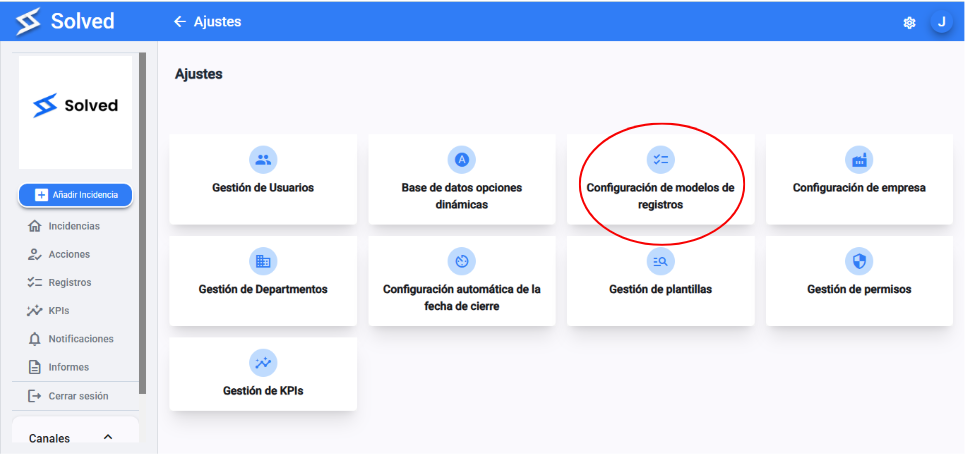
Select a checklist.
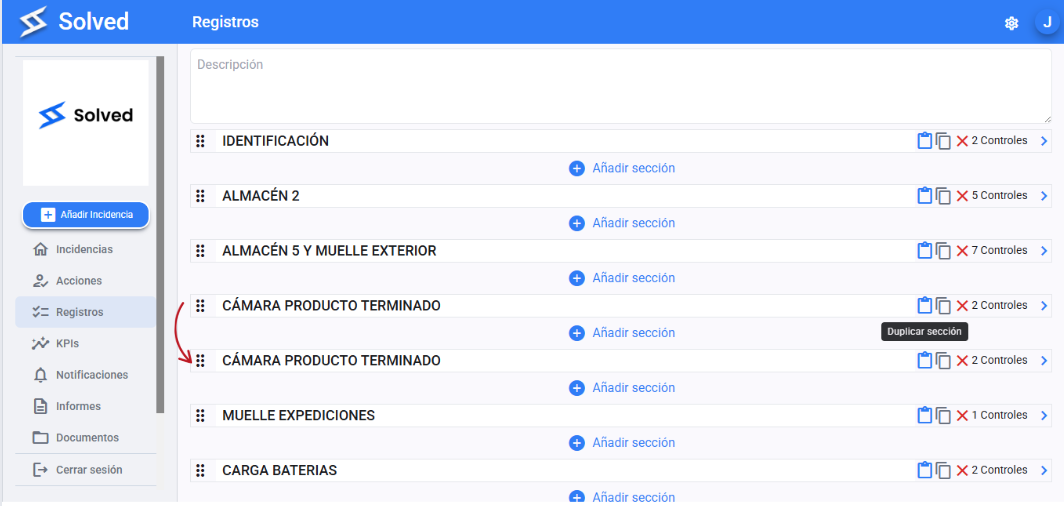
Pick the section you want to duplicate.
Click the “Duplicate” option for the section.
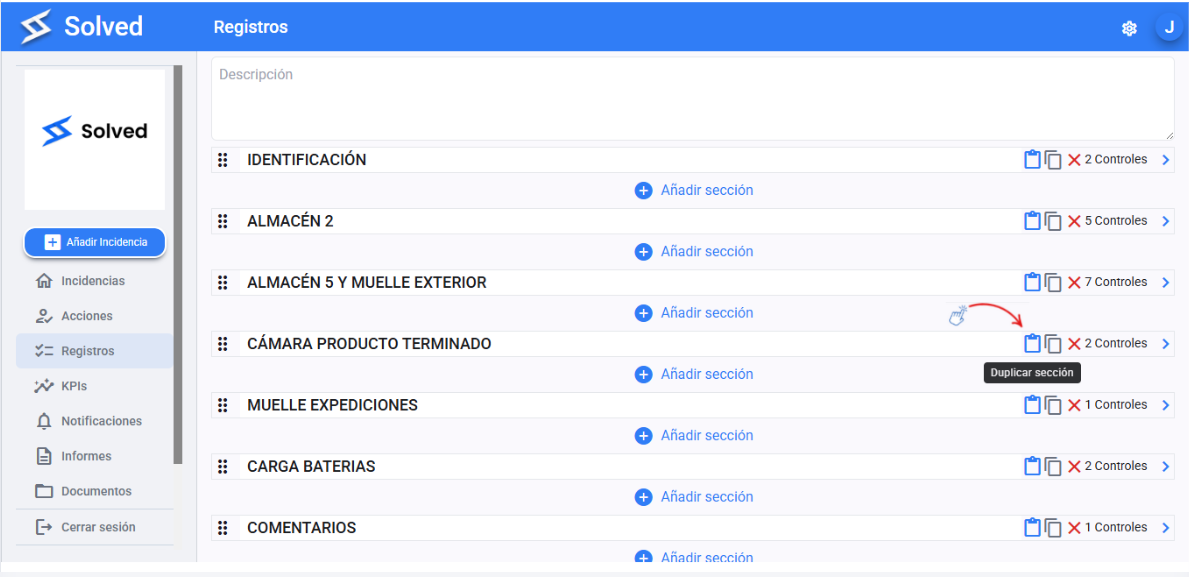
You’ll see an exact copy of the original section, with the same content and structure as many times as you want.
Hit Save if you made changes, or just start using it if it's ready.