
In Solved, checklists let you standardize processes and collect information in a structured way. Each record template defines the fields and questions that need to be completed.
Go to settings
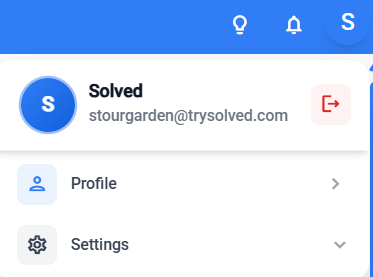
Enter the checklist settings
1. From the general settings
2. Or from the dropdown in the main view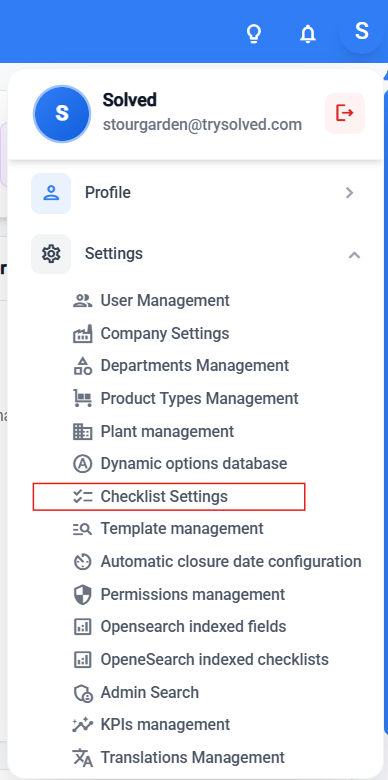
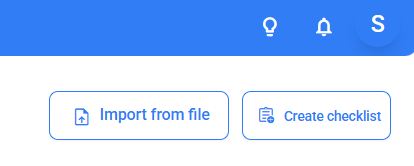
Click the “Create a checklist” button, at the top right
Learn how to edit the record template step by step