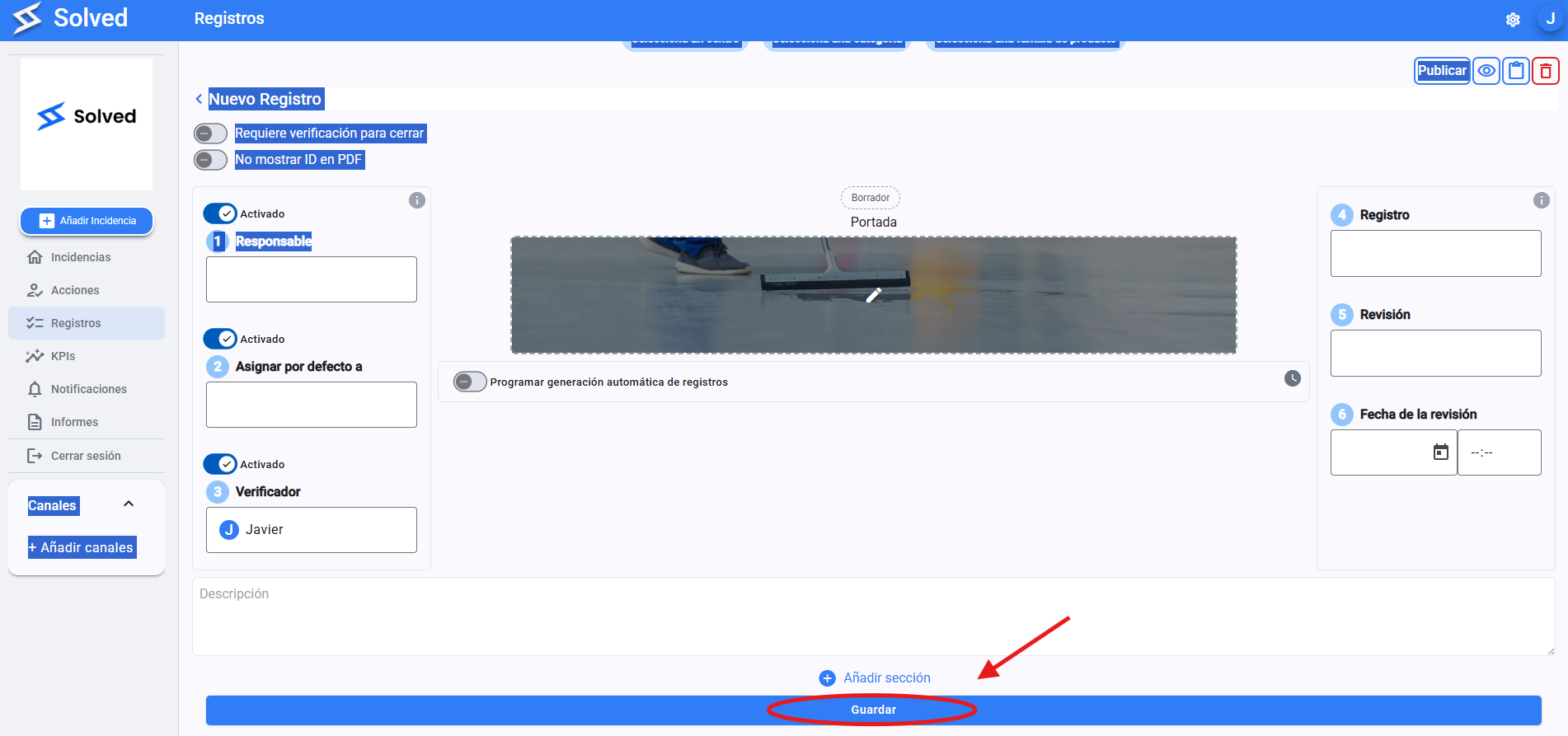
Click on the gear , in the top right corner
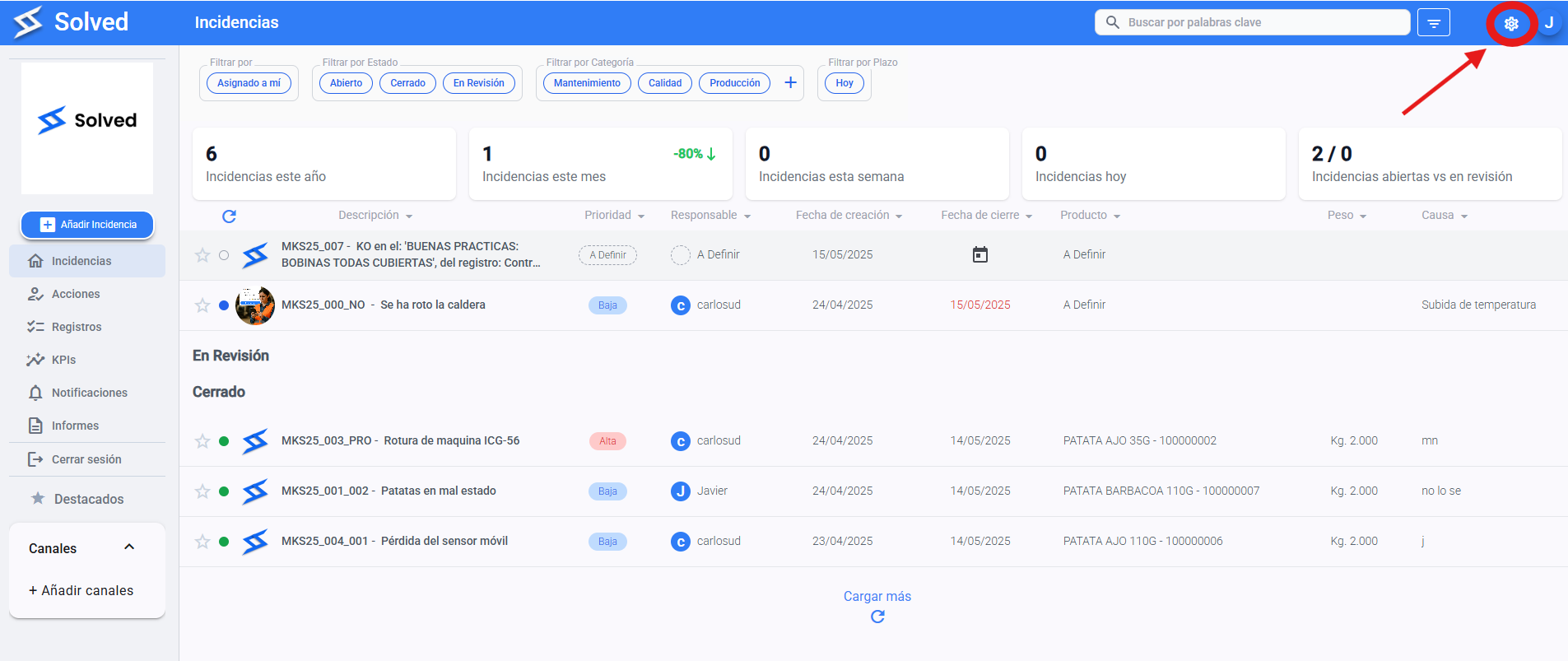
Go to "Record template settings"
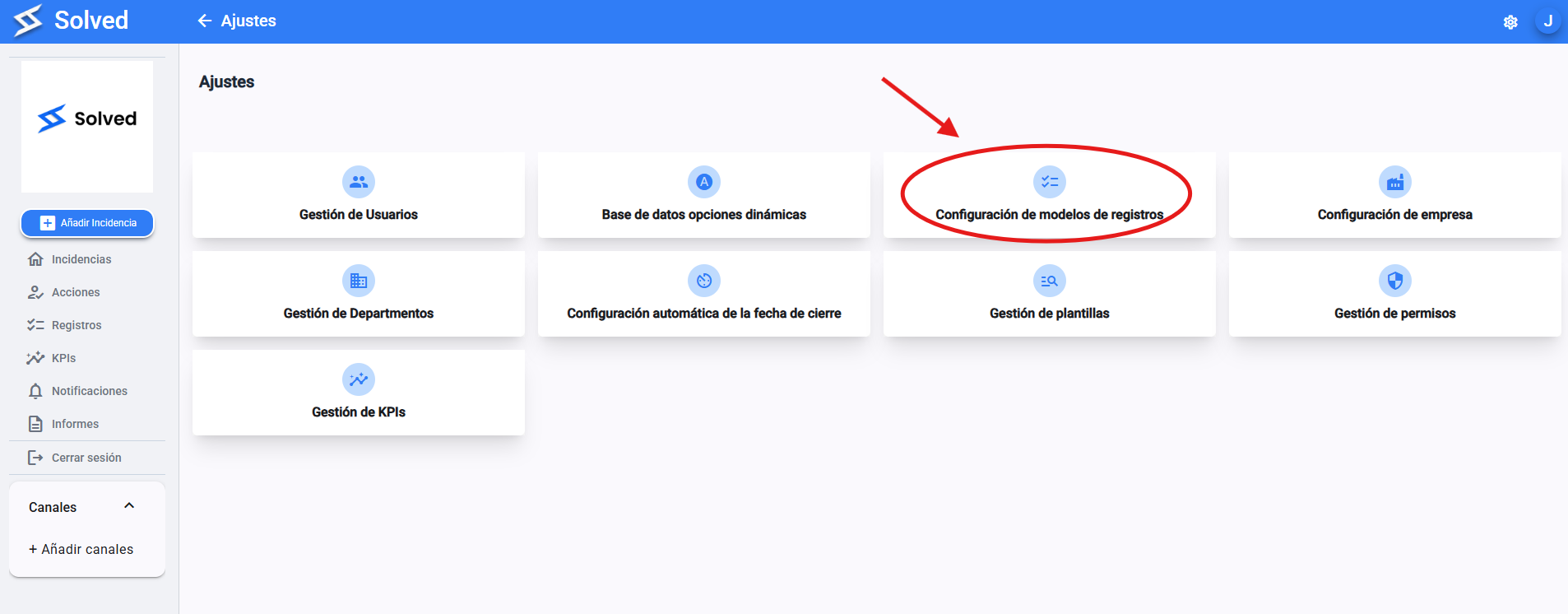
Here you'll find all the templates for the records you've already created.
Edit: Pick the one you want to edit
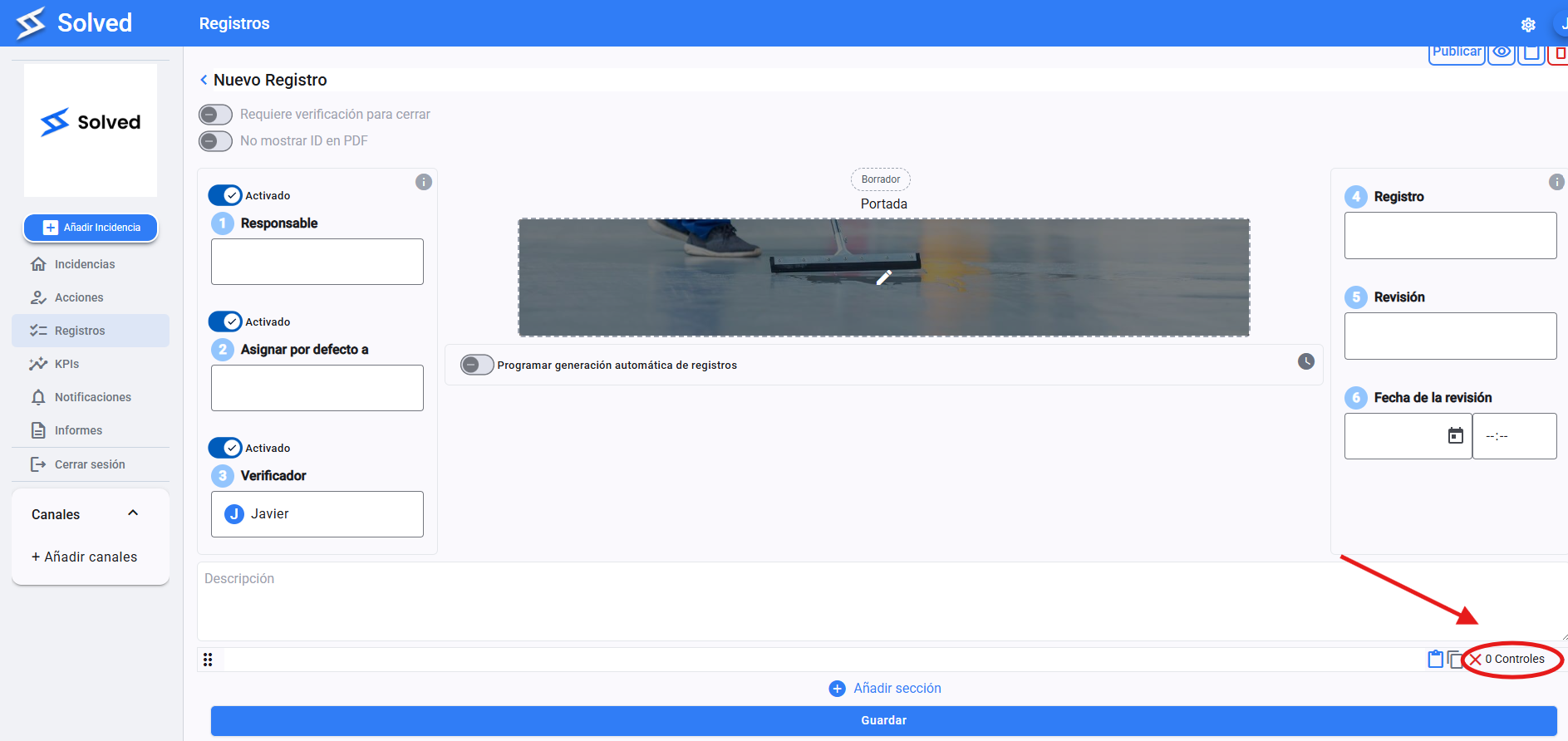
Create: Click on "Create a record" at the top right
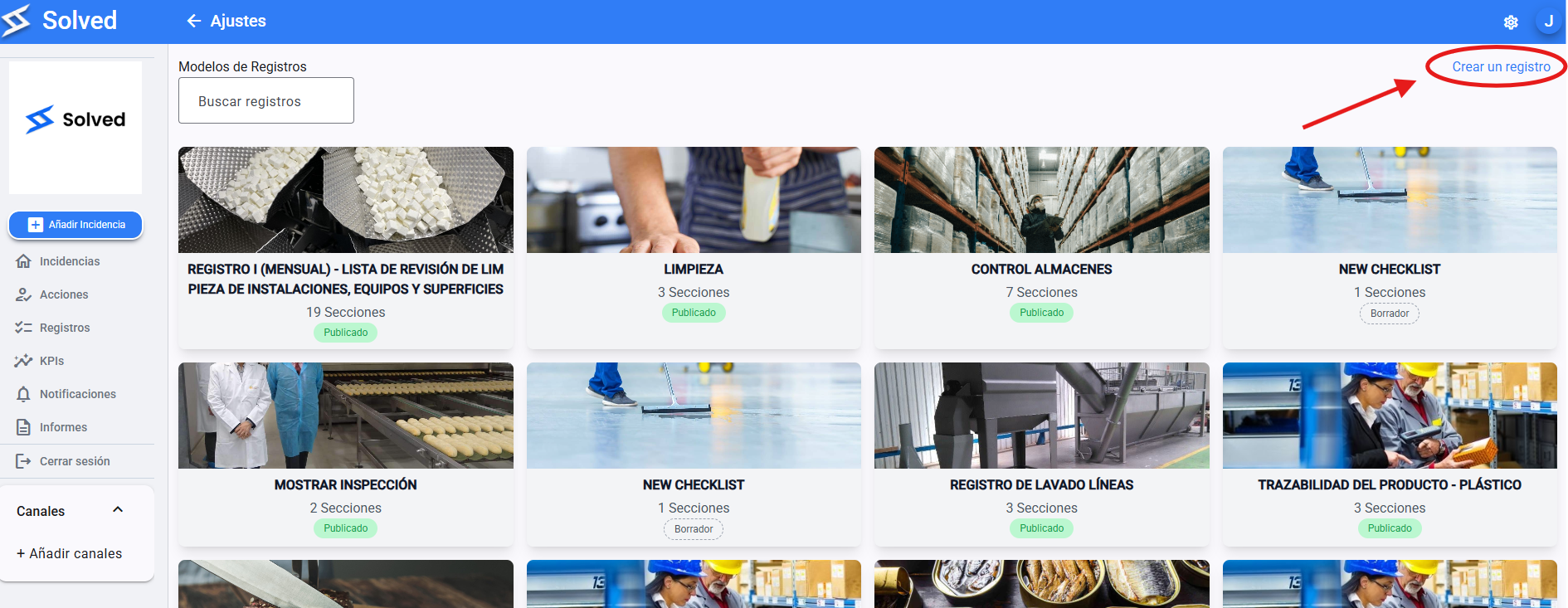
Write a descriptive name.
This will be the name users see when picking a form.
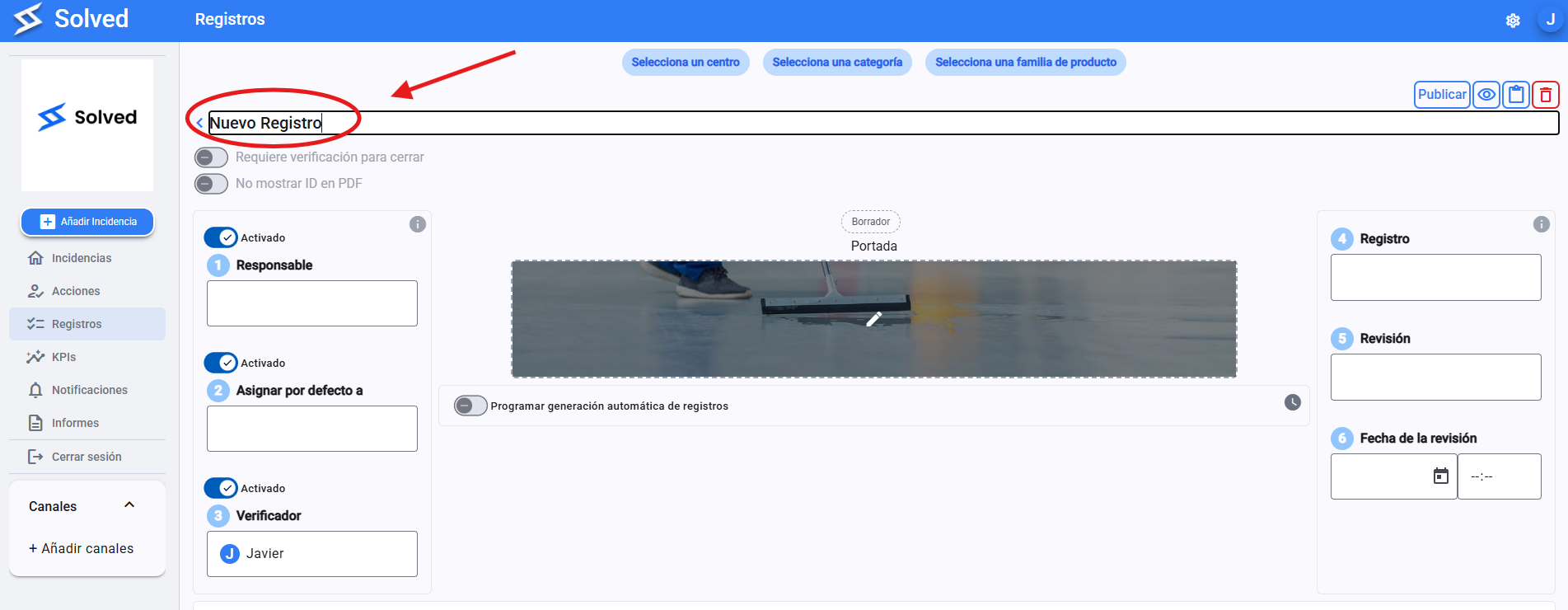
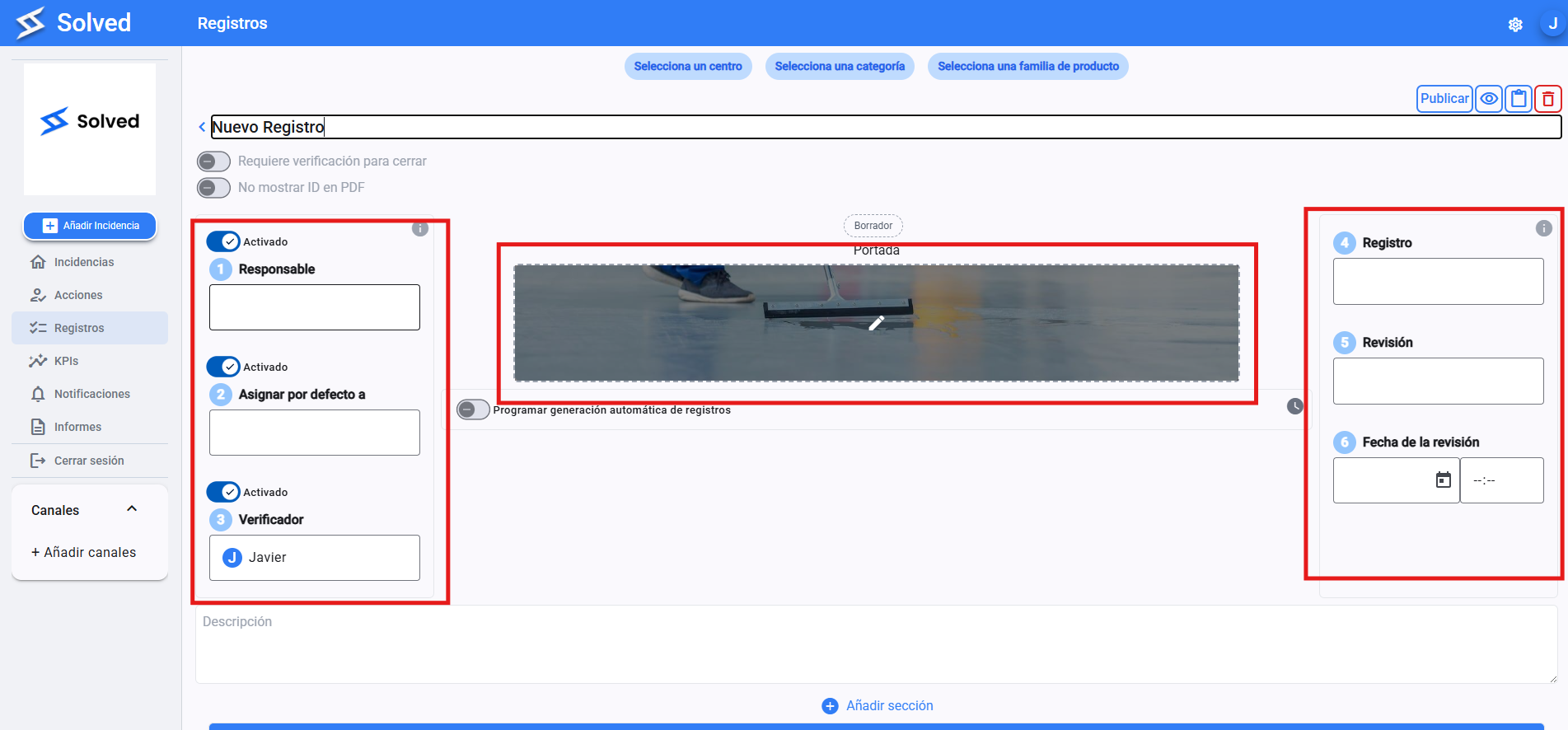
You can set a default person in charge, participants, and a verifier. If you don't need them, you can turn them off.
A list of users registered on the platform will show up. You can add new people by typing their name. They won’t become users
Record → Record code that will show up in the PDF
Revision → latest version of the record
Revision date → Date of the latest version
Pick the start date when you want the registration to begin and the end date when the checklist will be recorded.
Set up the automatic frequency for when you want it to open (daily, monthly, biweekly, etc.)
Choose the days of the week when the registration should open.
Set the hours it needs to be open until it's closed.
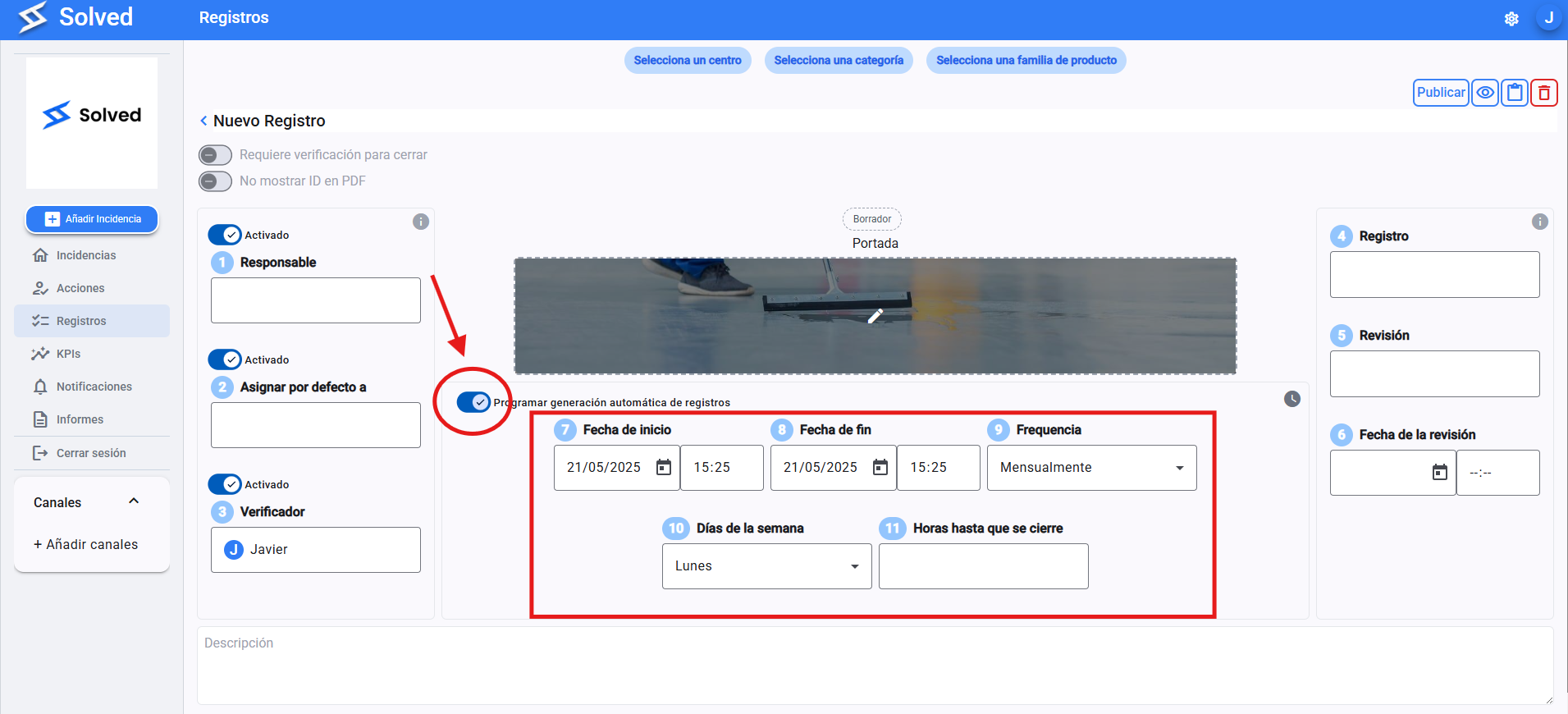
With this, we get the needed records to open up, without piling up a bunch that aren’t finished. Better organization and order
Click the “Add section” button
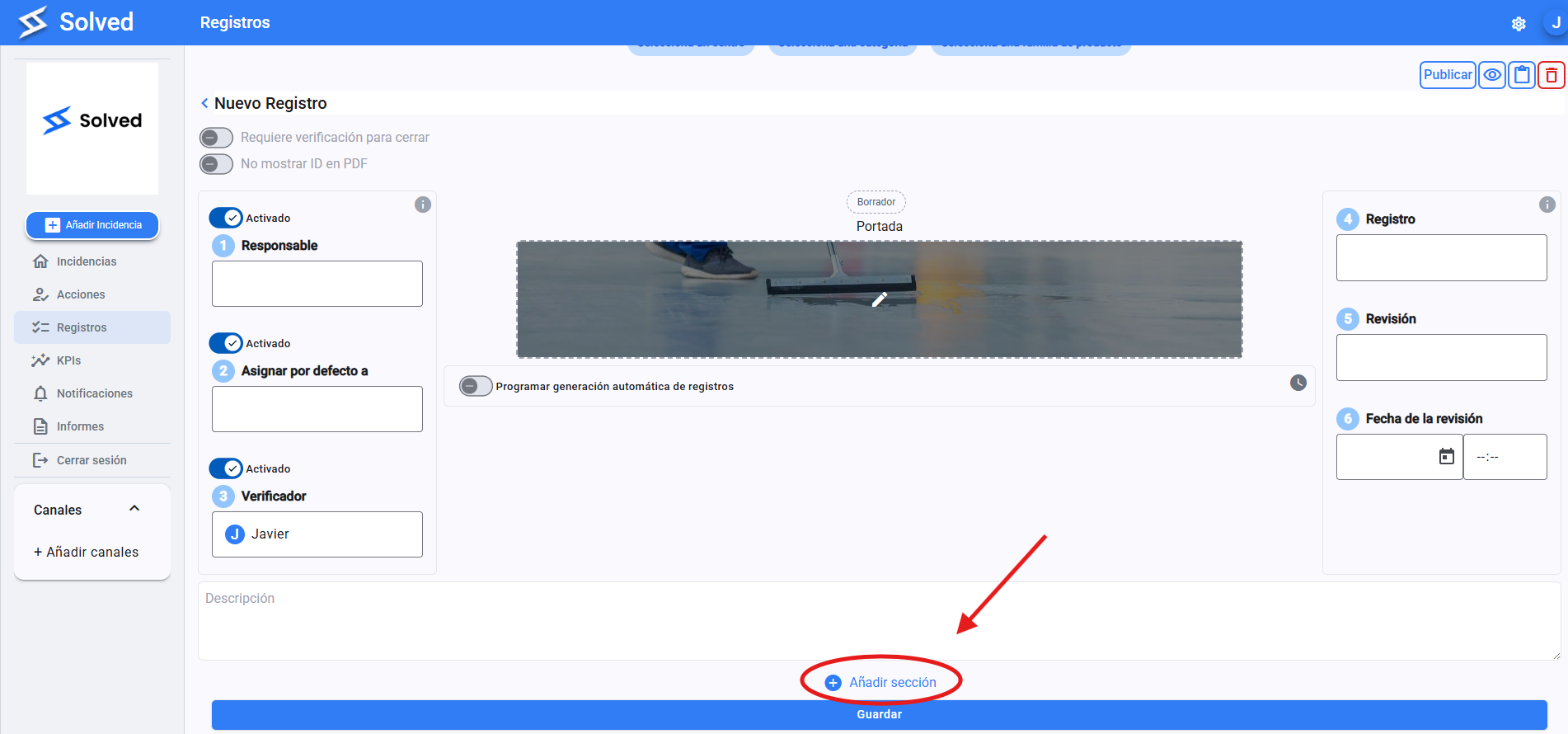
Then click on the “controls” button.
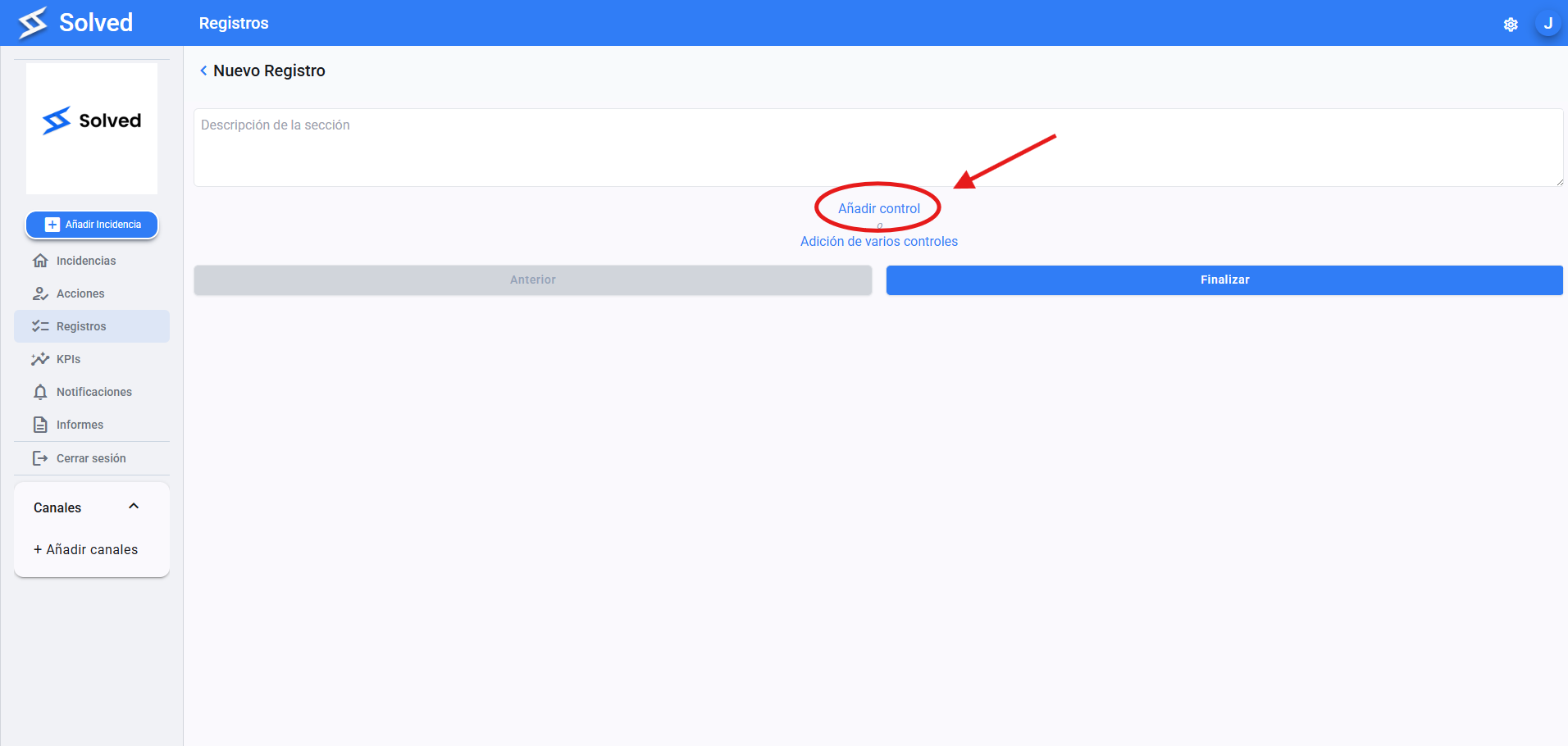
And “Add control”.
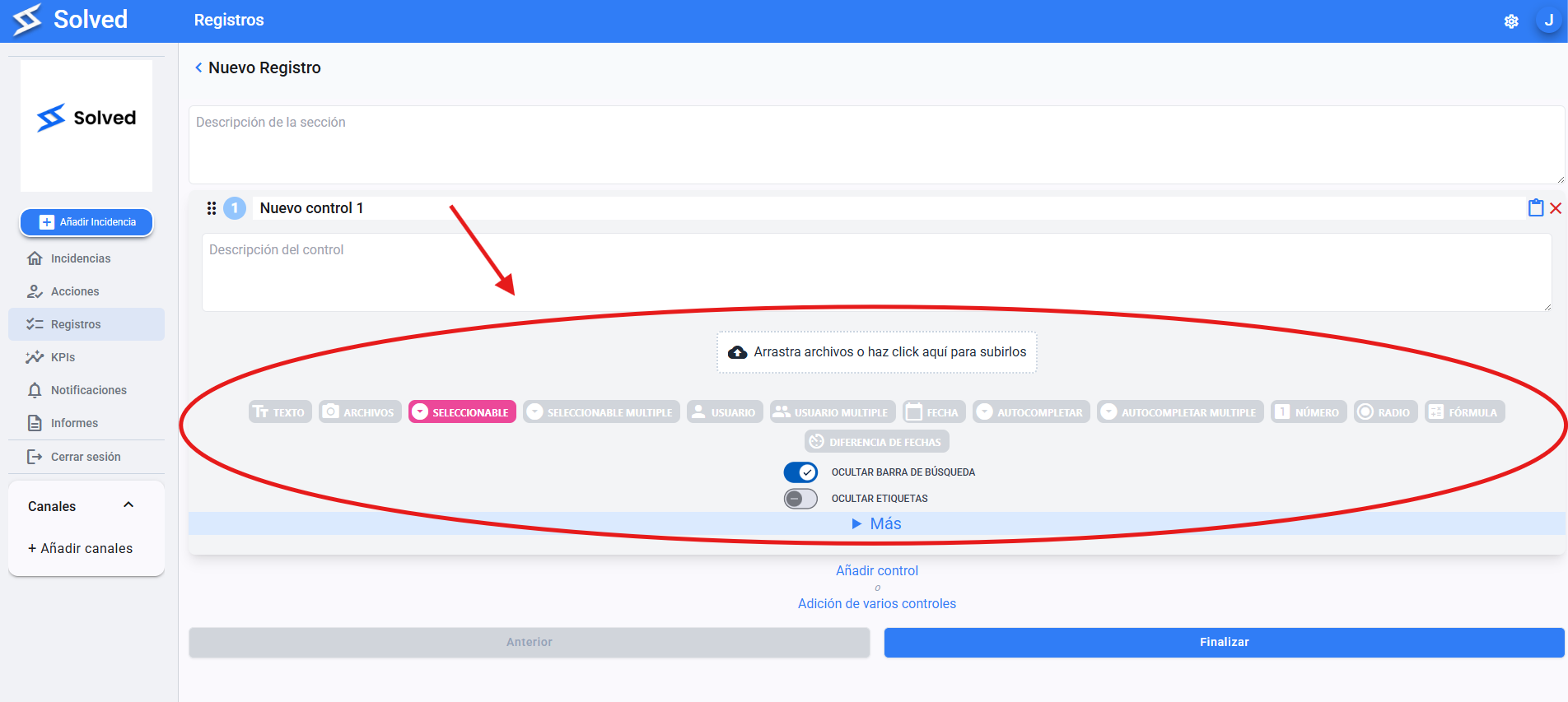
Now you can assign the right controls to the Checklist. When you’re done, hit the “Finish” button
When you're done setting up your new checklist, just click “Save”.