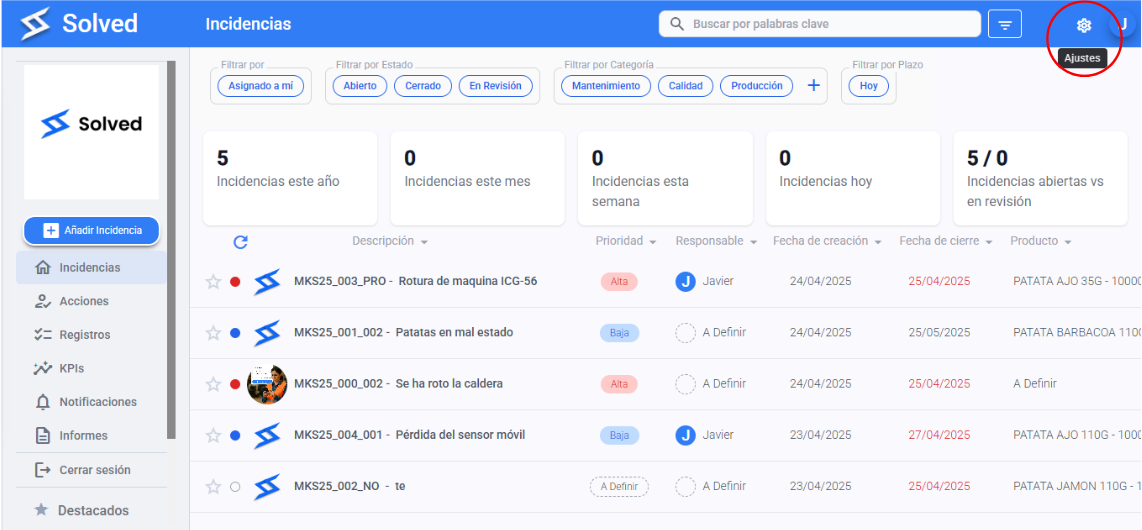
Click on the settings wheel icon at the top right of the screen.
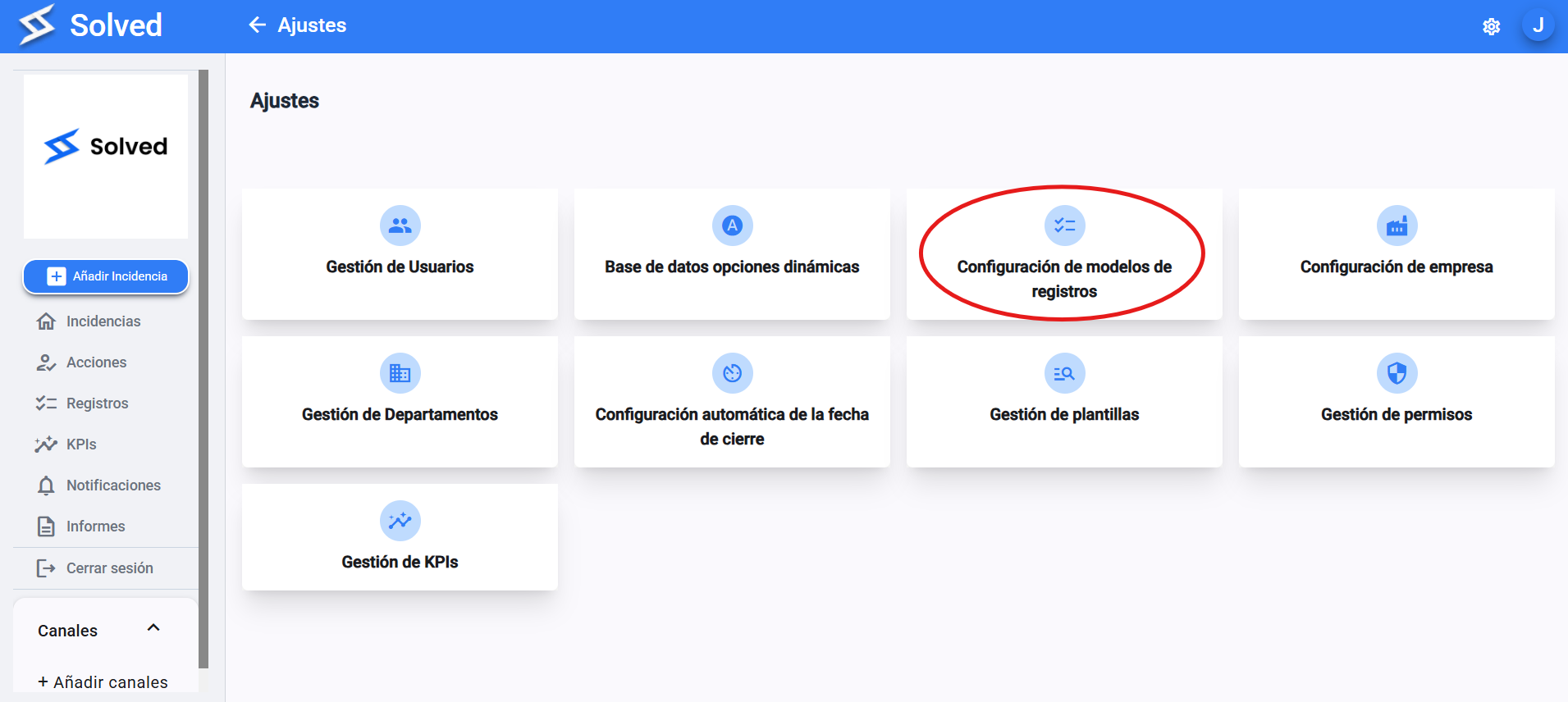
2. Select “Record model settings”
In the drop-down menu, go to “Record model settings”.
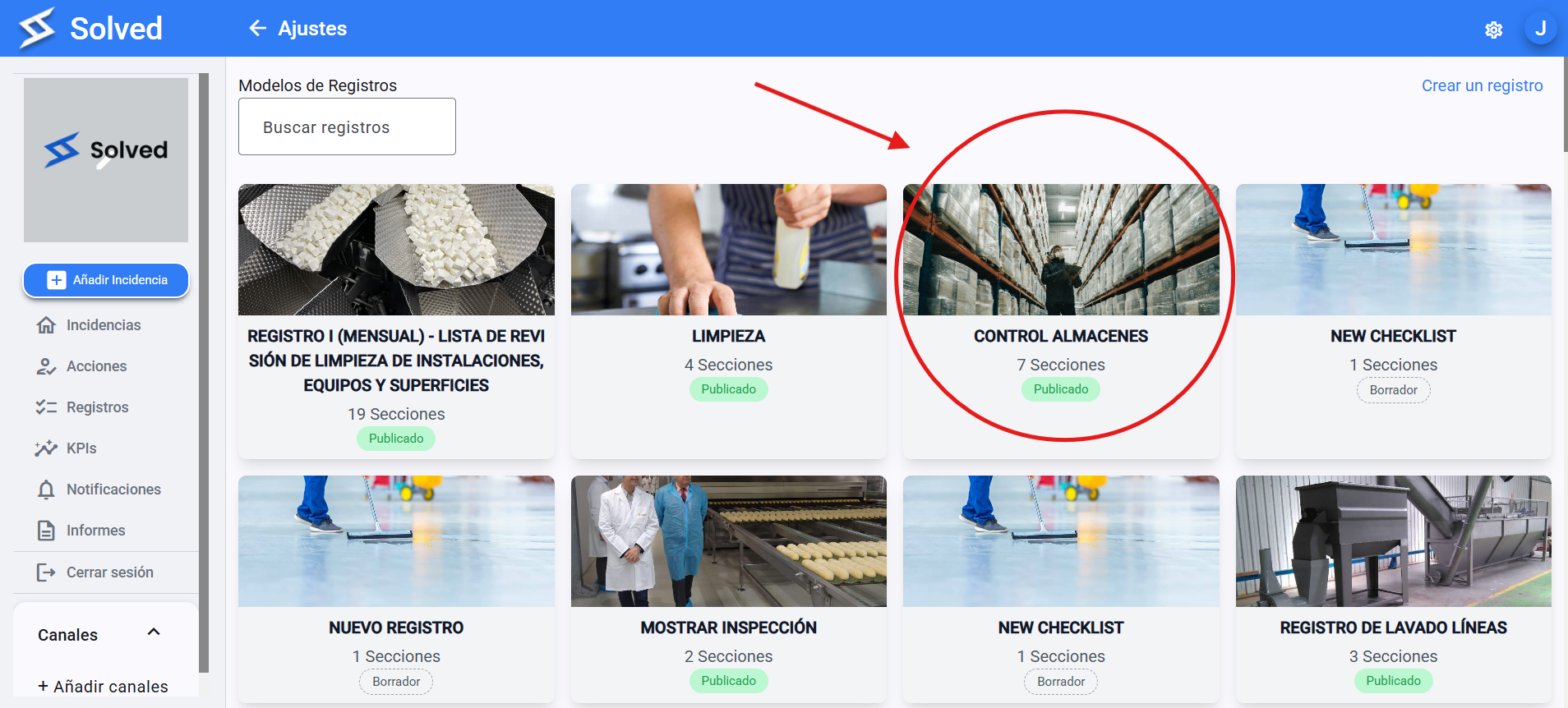
Click on the record model where you want to set default owners and reviewers.
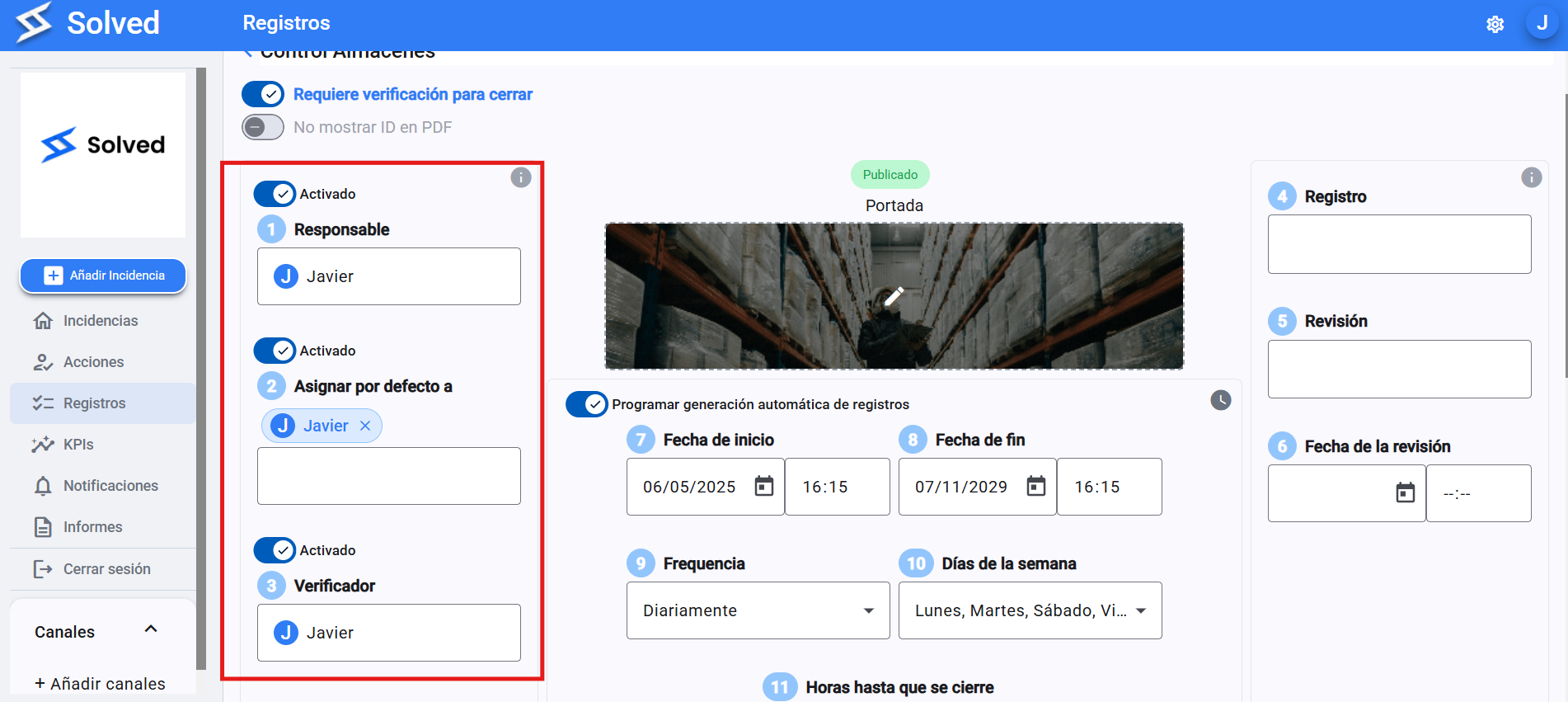
Inside the model settings:
Find the “Default assignees” section.
Assign a user as the assignee, and if you want, add executors too.
In the same section, you can also set a verifier who’ll be automatically assigned each time a new record is created with this model.
Once you've set everything up, scroll down and click “Save” .