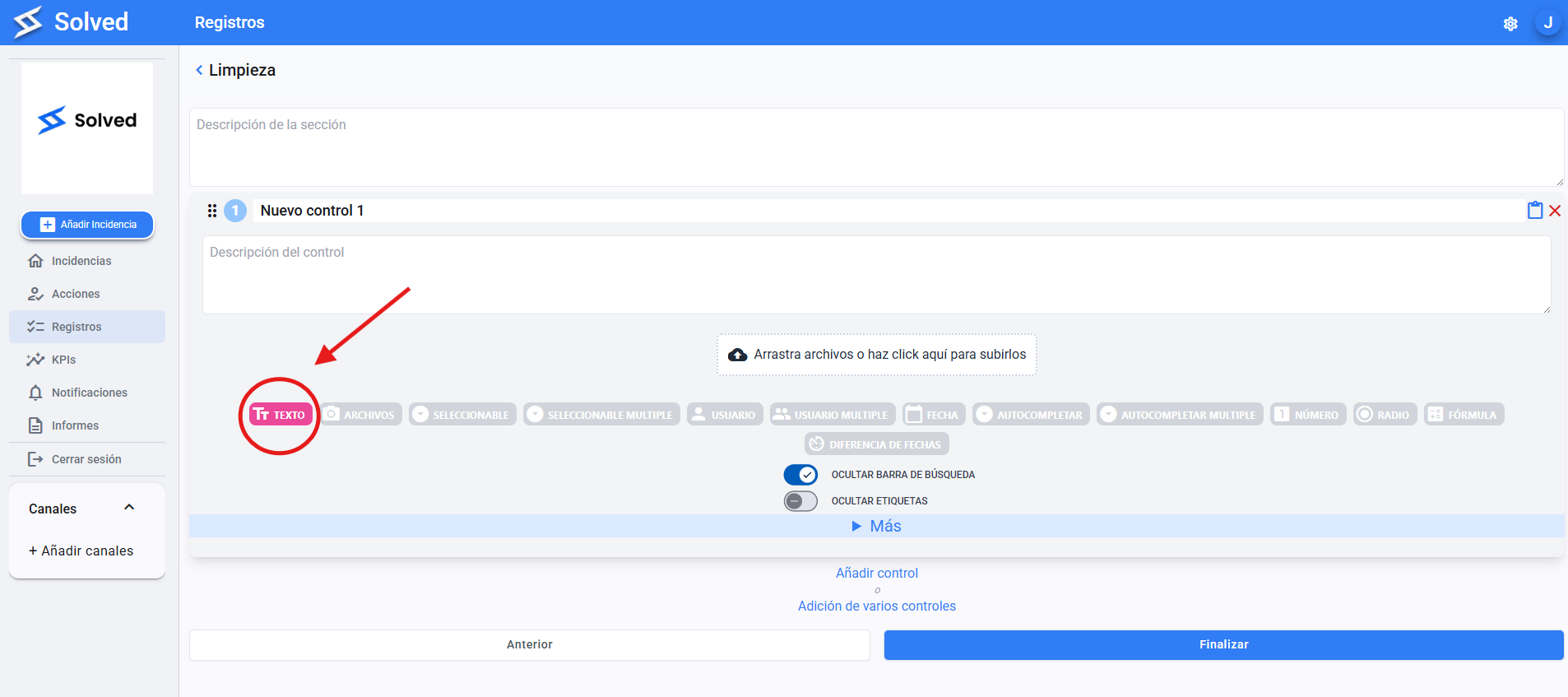
Lets you enter answers in free format.
Perfect for descriptions, comments, or open notes.
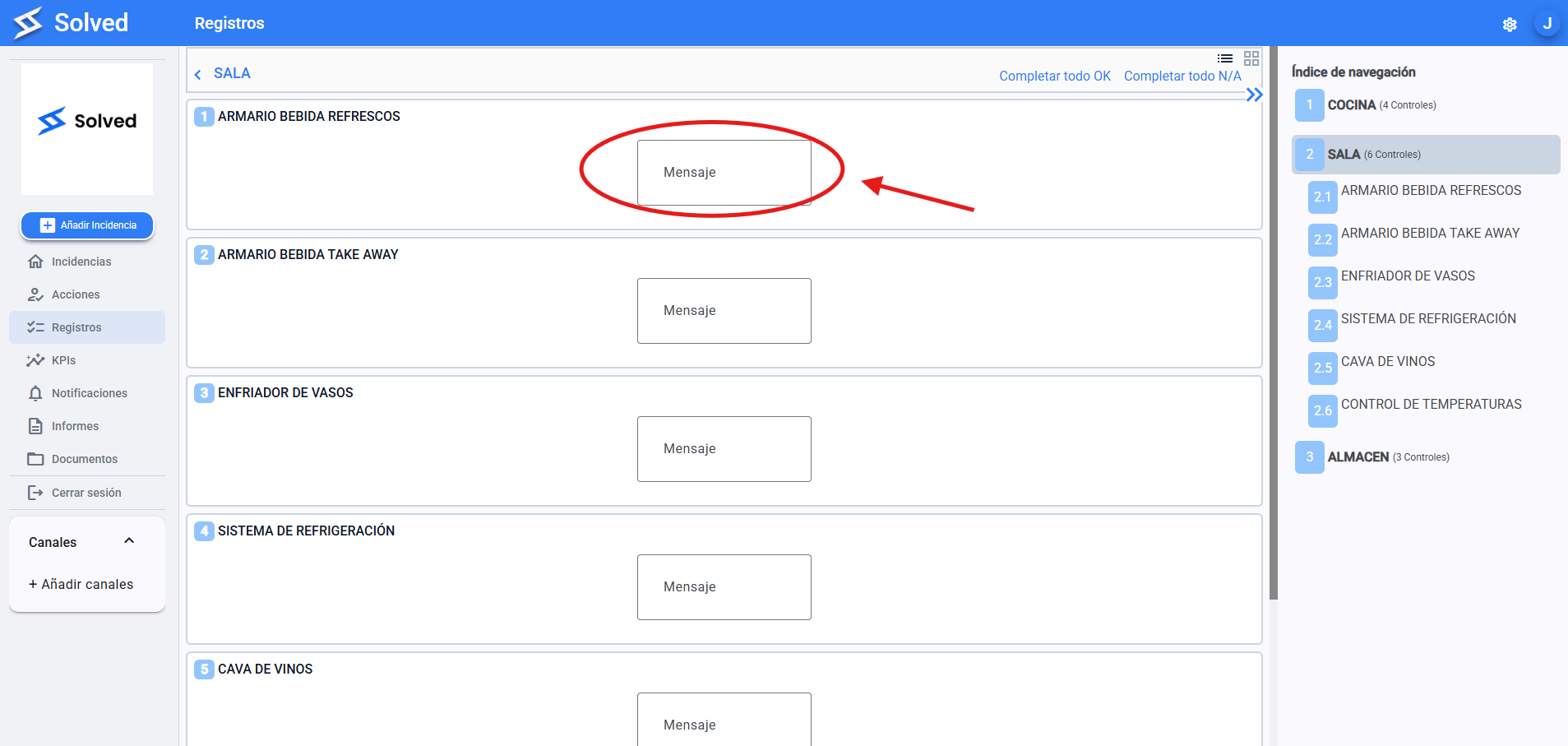
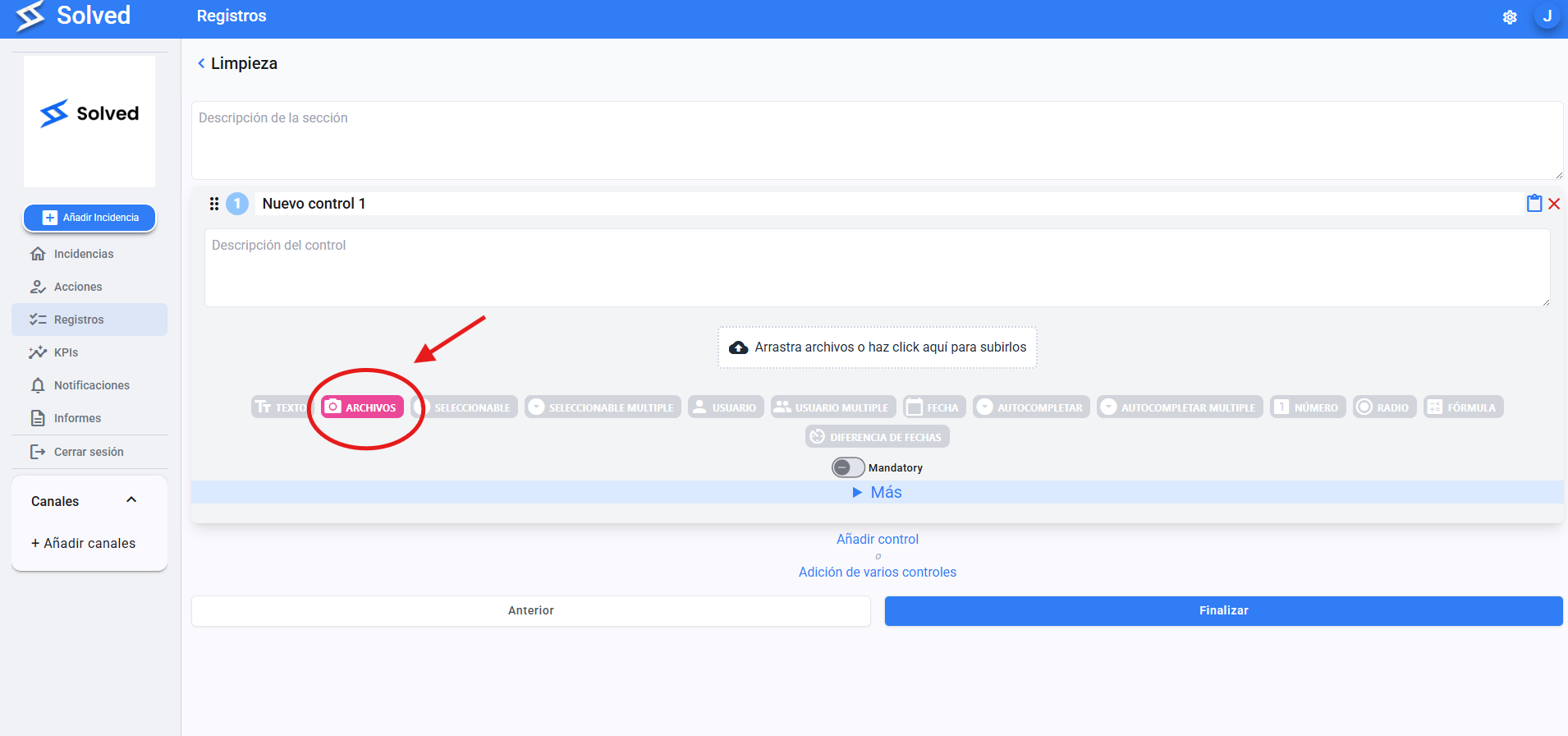
Lets you attach documents, images, or other files.
Useful for backing up or showing control info.
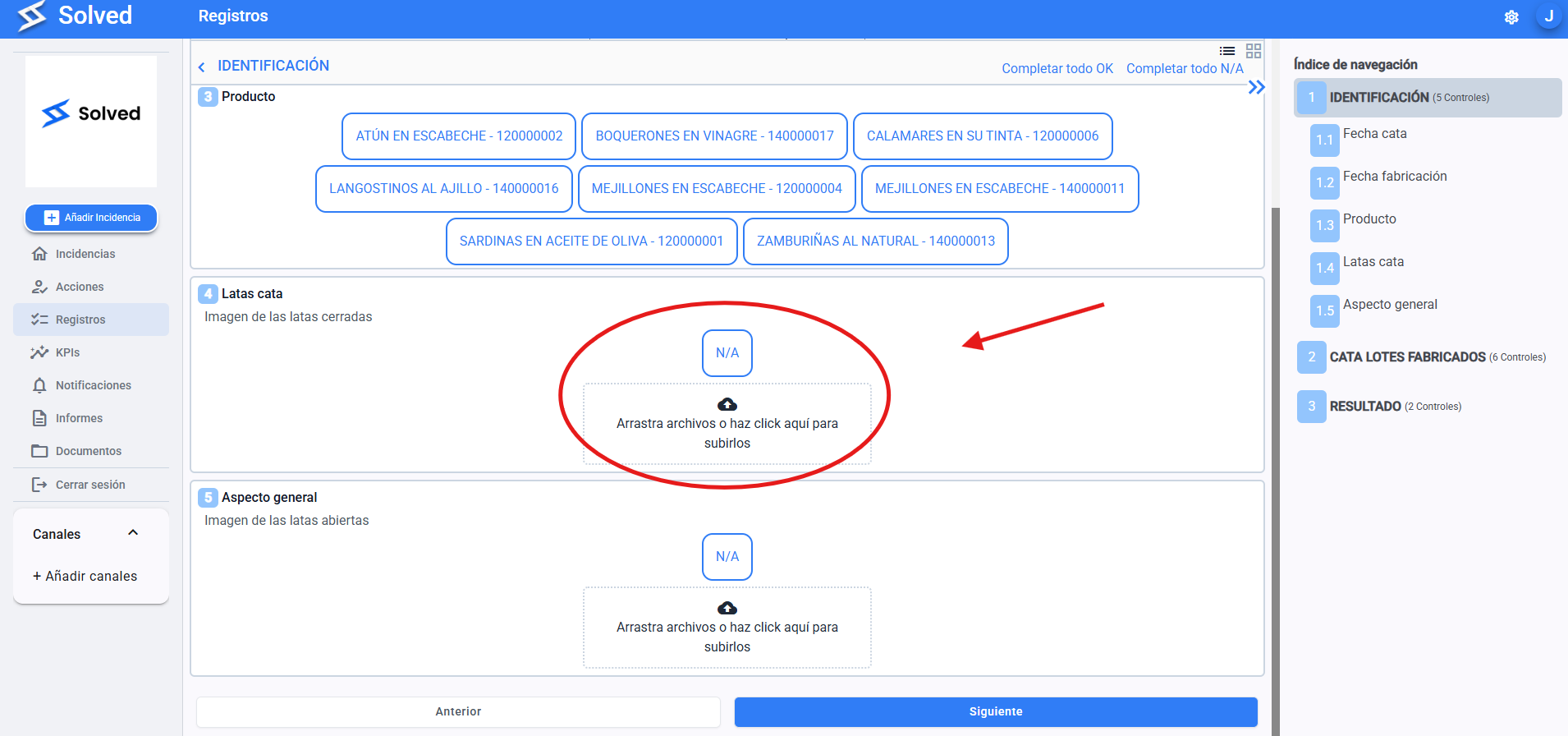
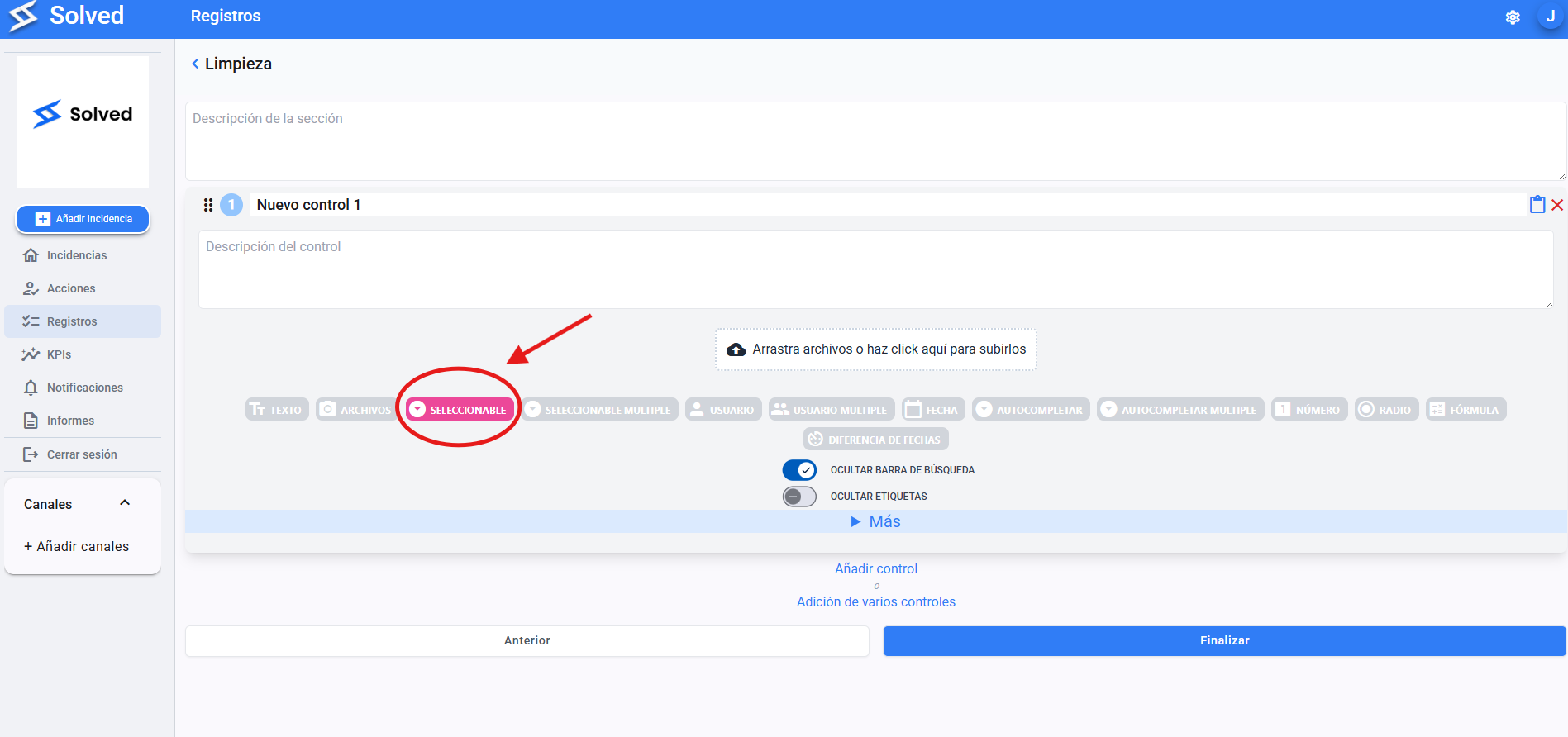
Lets you set up a list of options so the user can pick just one.
You can enter the options manually or link an external database.
Example: Yes / No, OK / KO, Approved / Rejected.
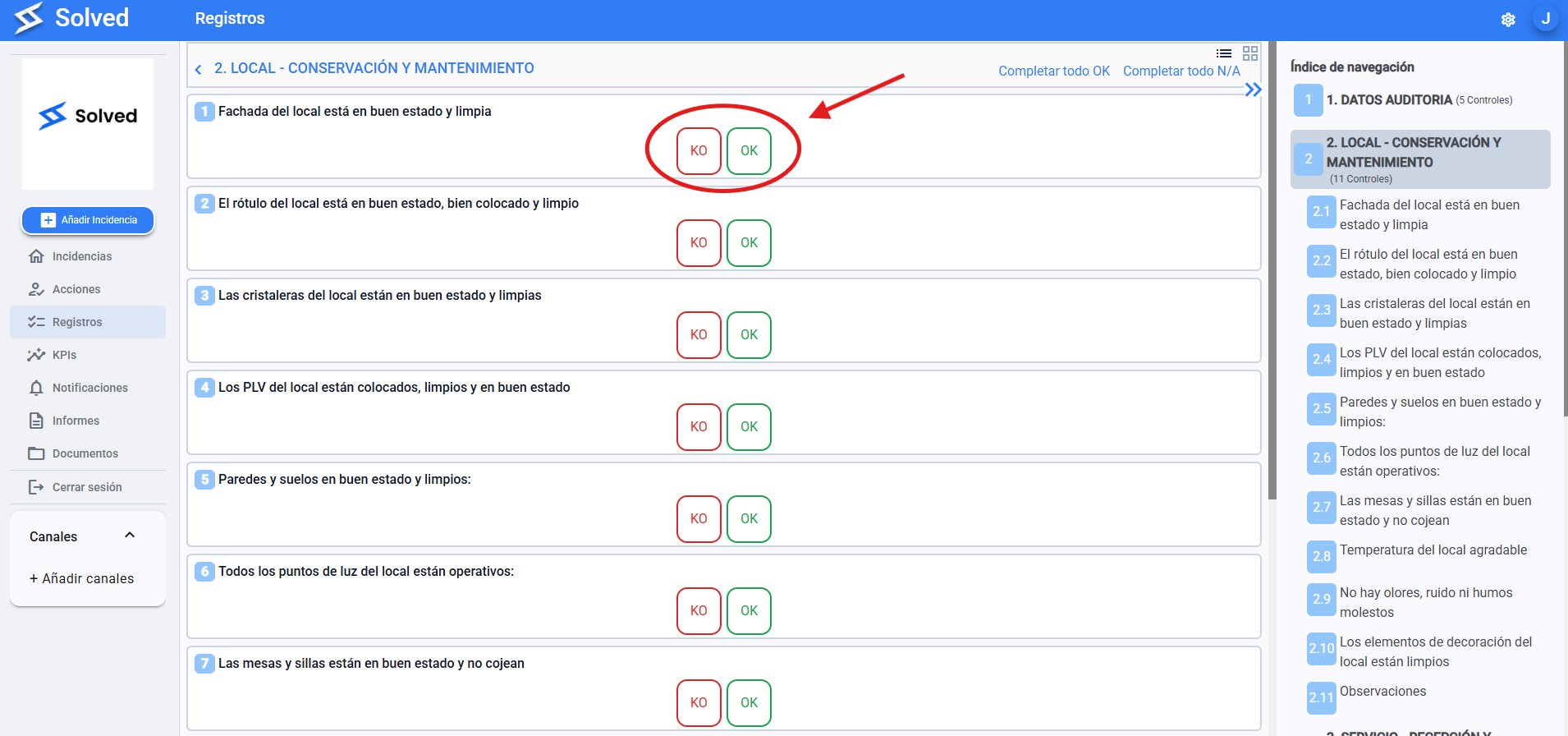
Kind of like the selectable, but lets you pick multiple options at once from a preset list.
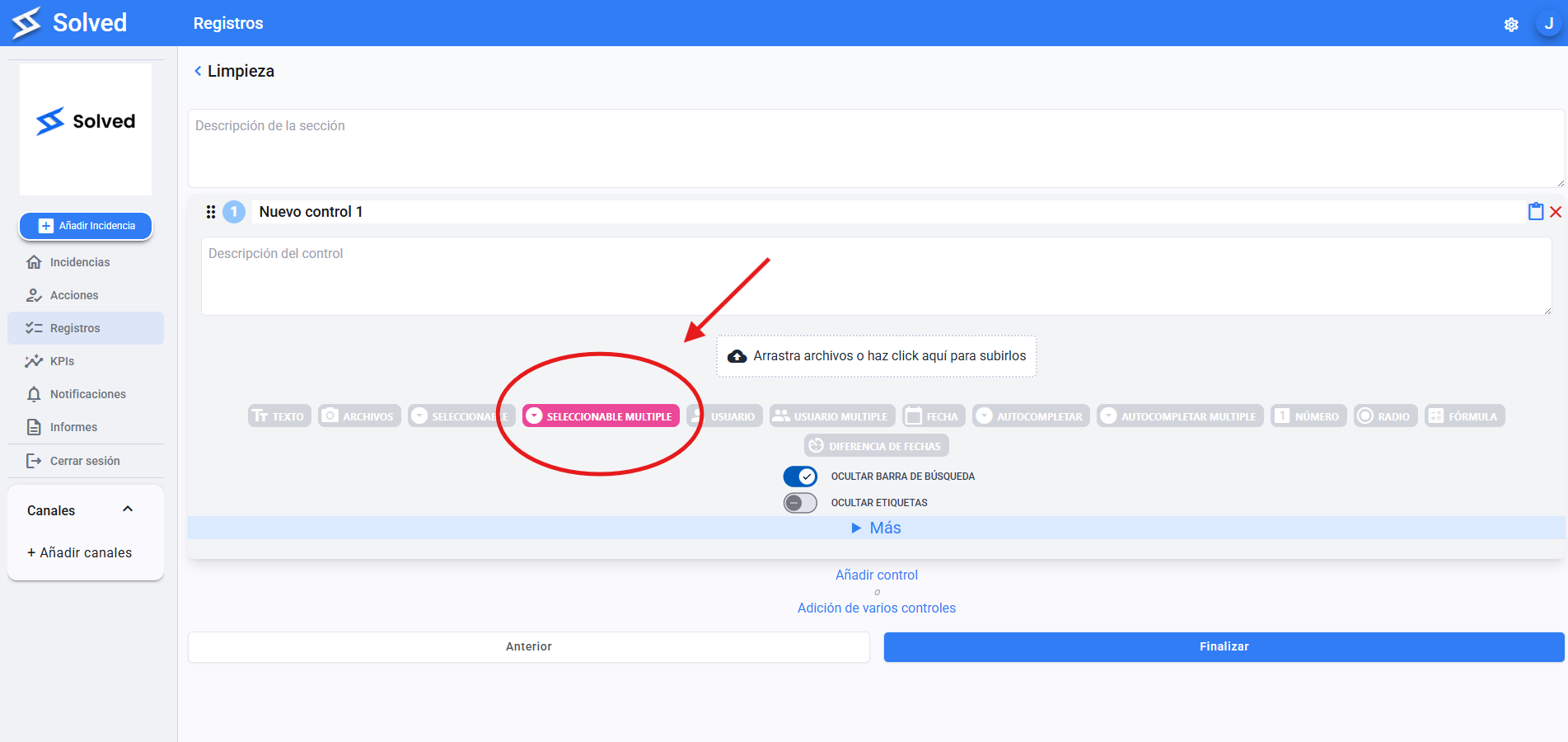
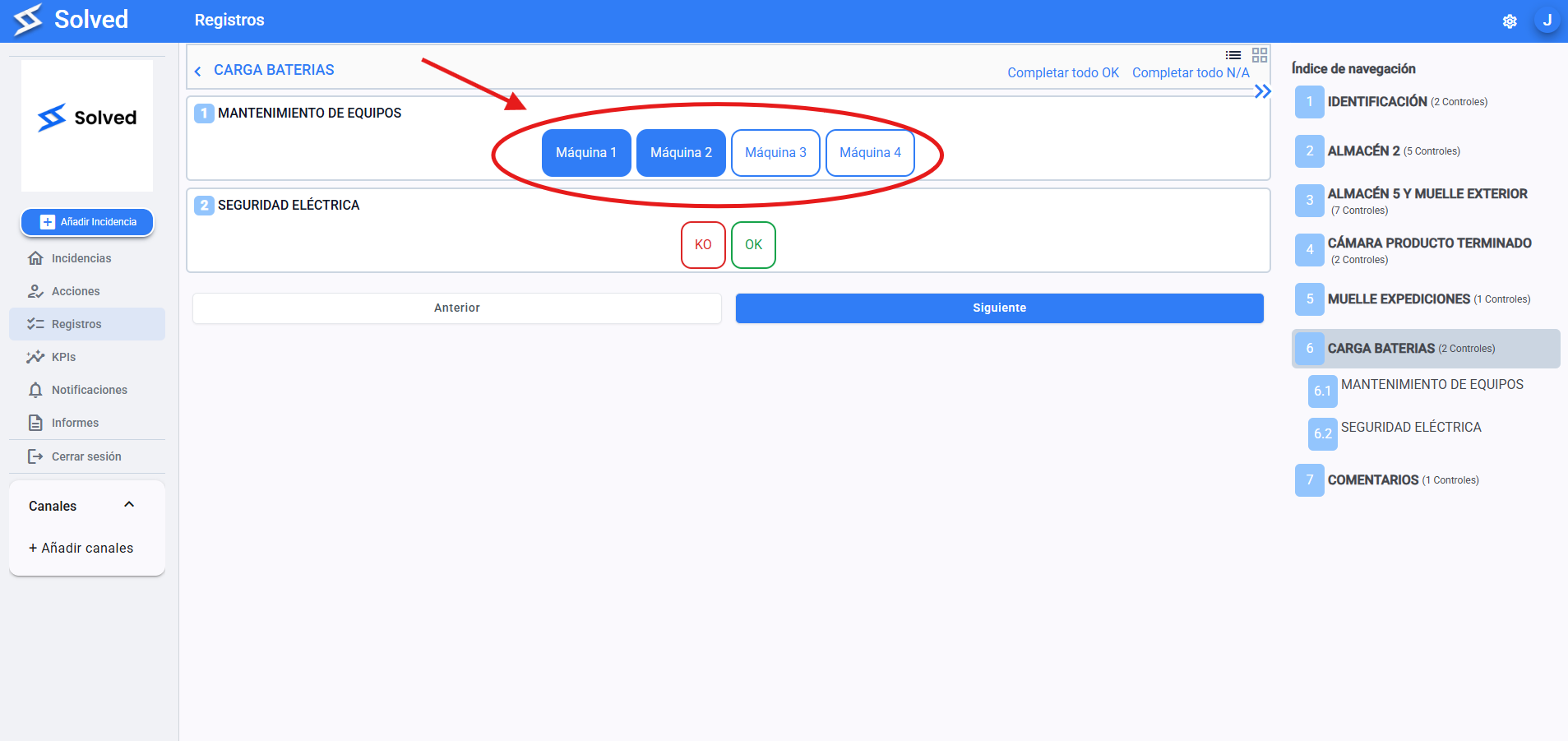
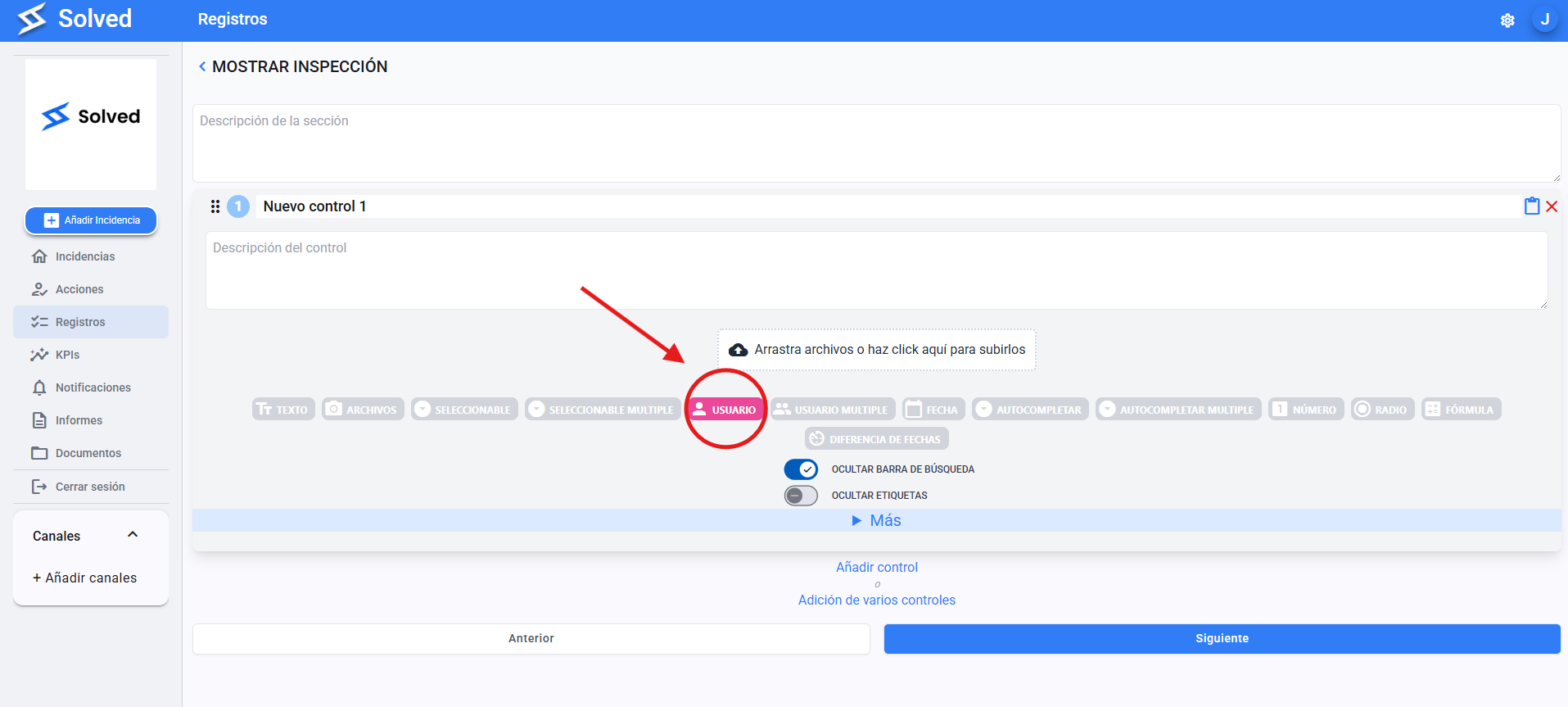
Assign an individual user registered on the platform as the person responsible for that control.
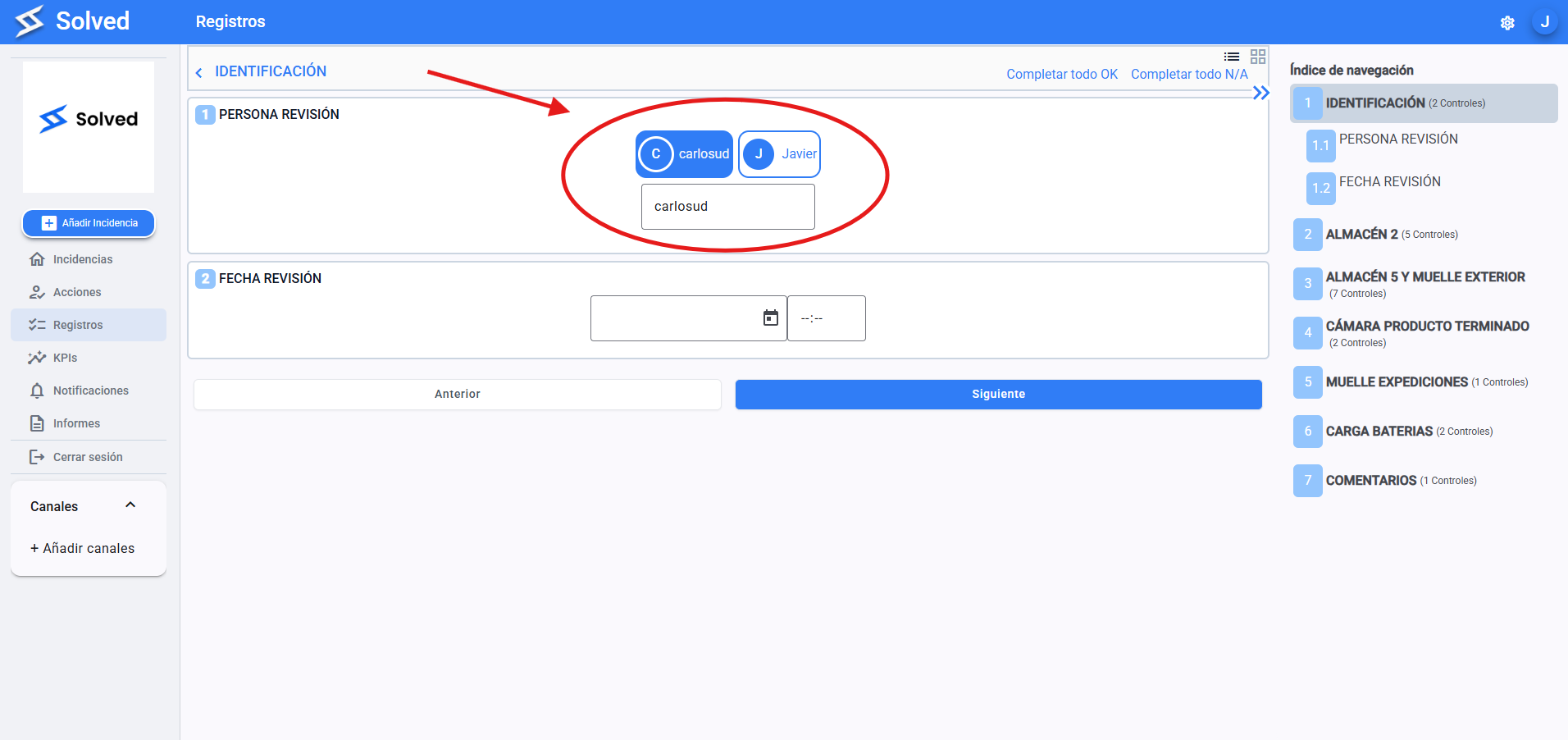
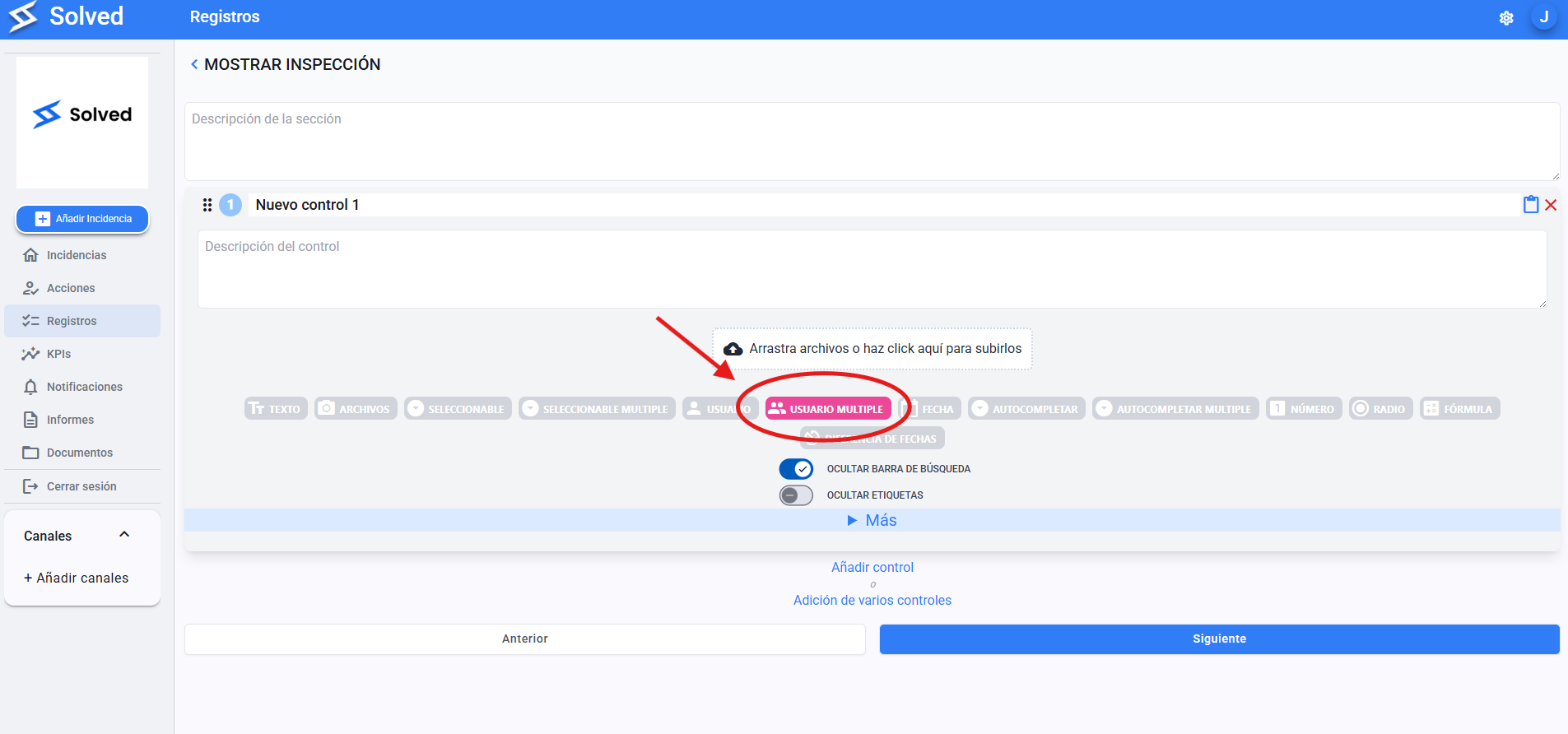
Lets you assign several users to the same control or task.
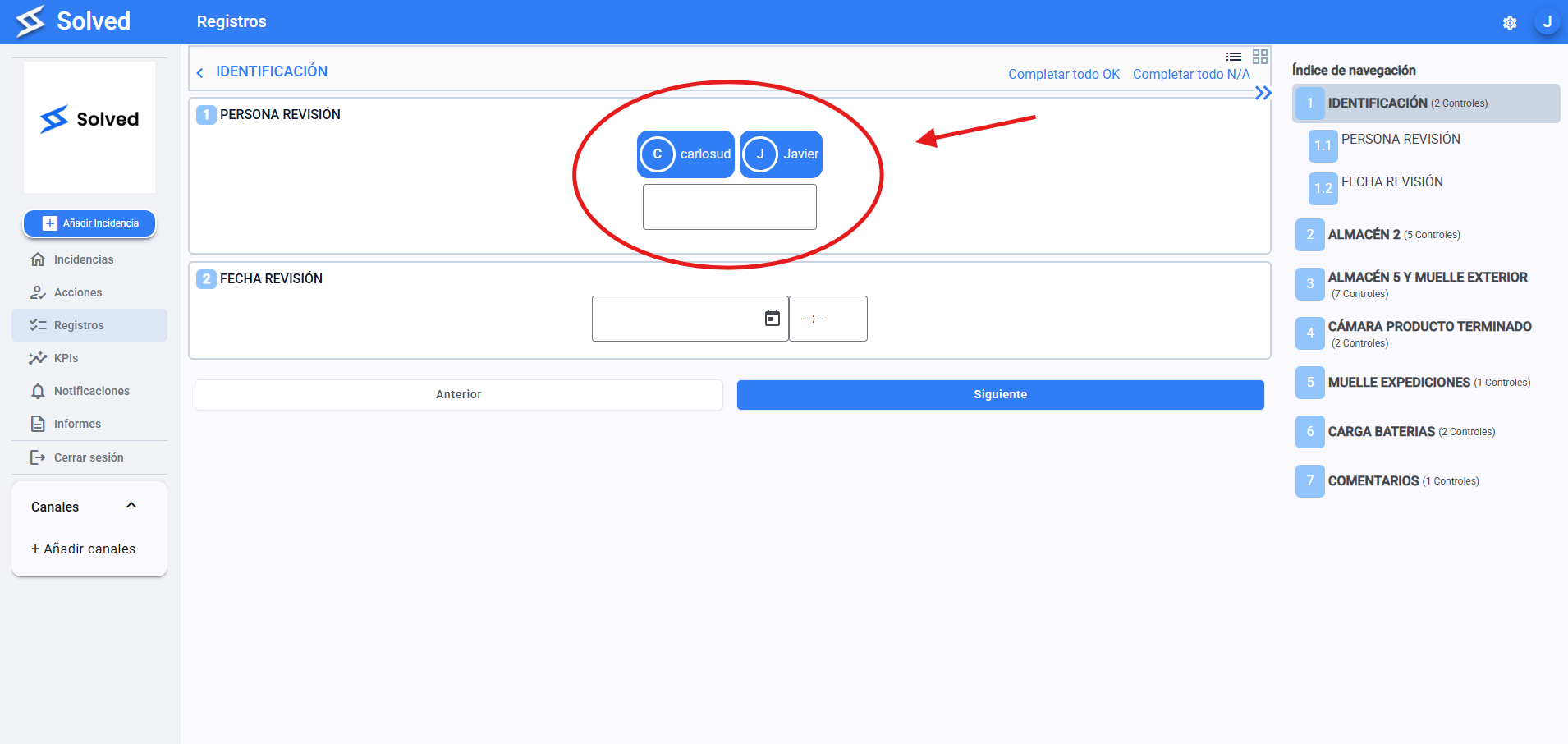
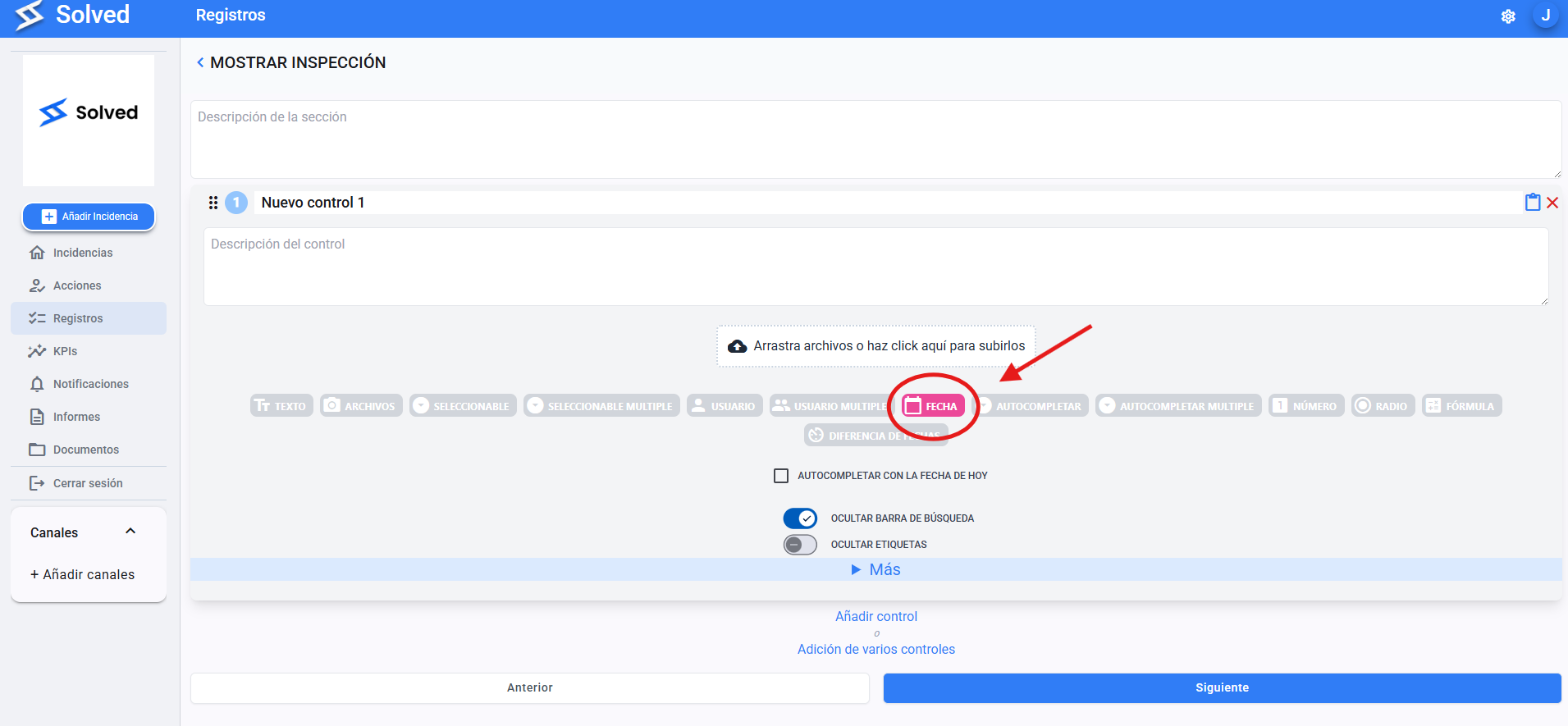
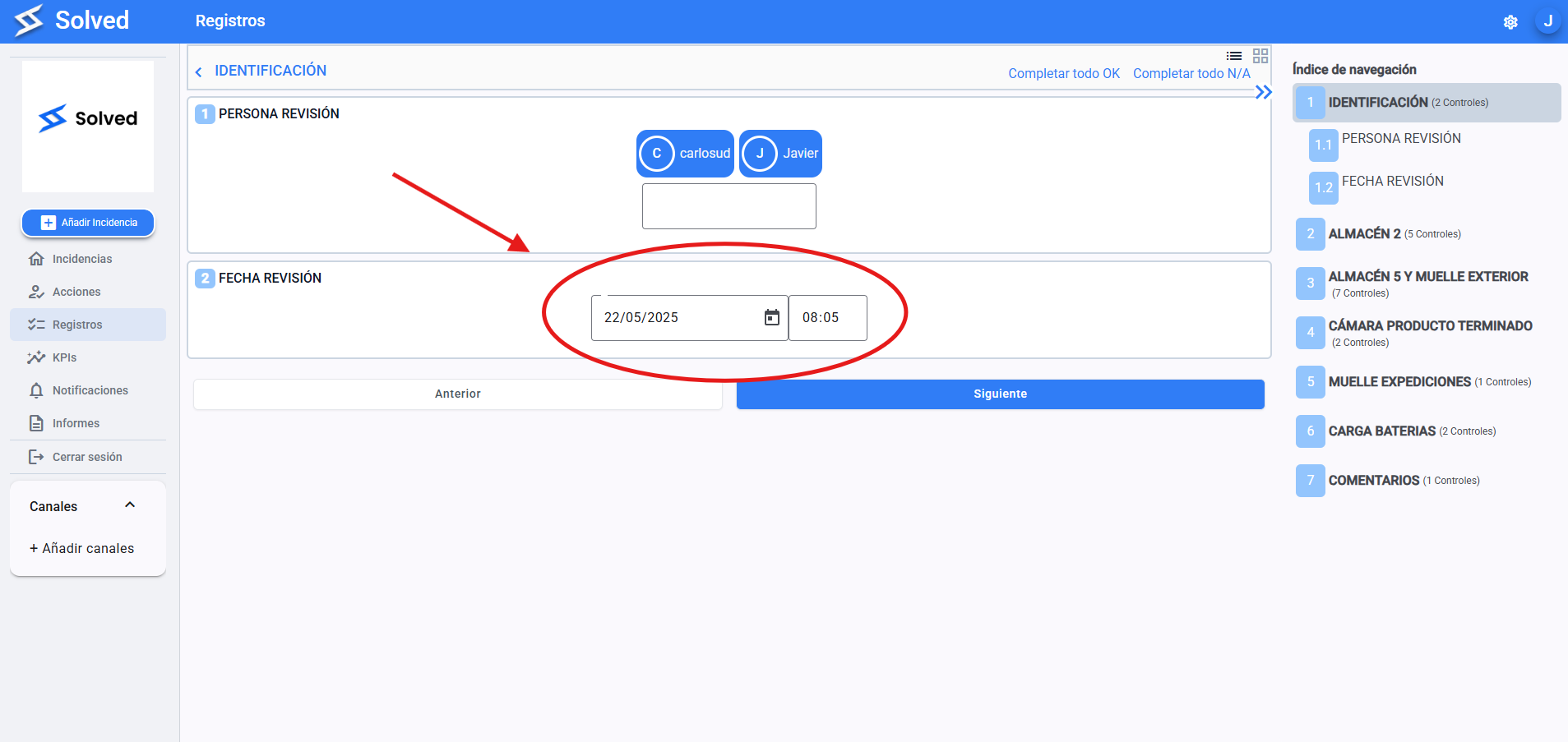
Lets you enter a date and time specifically.
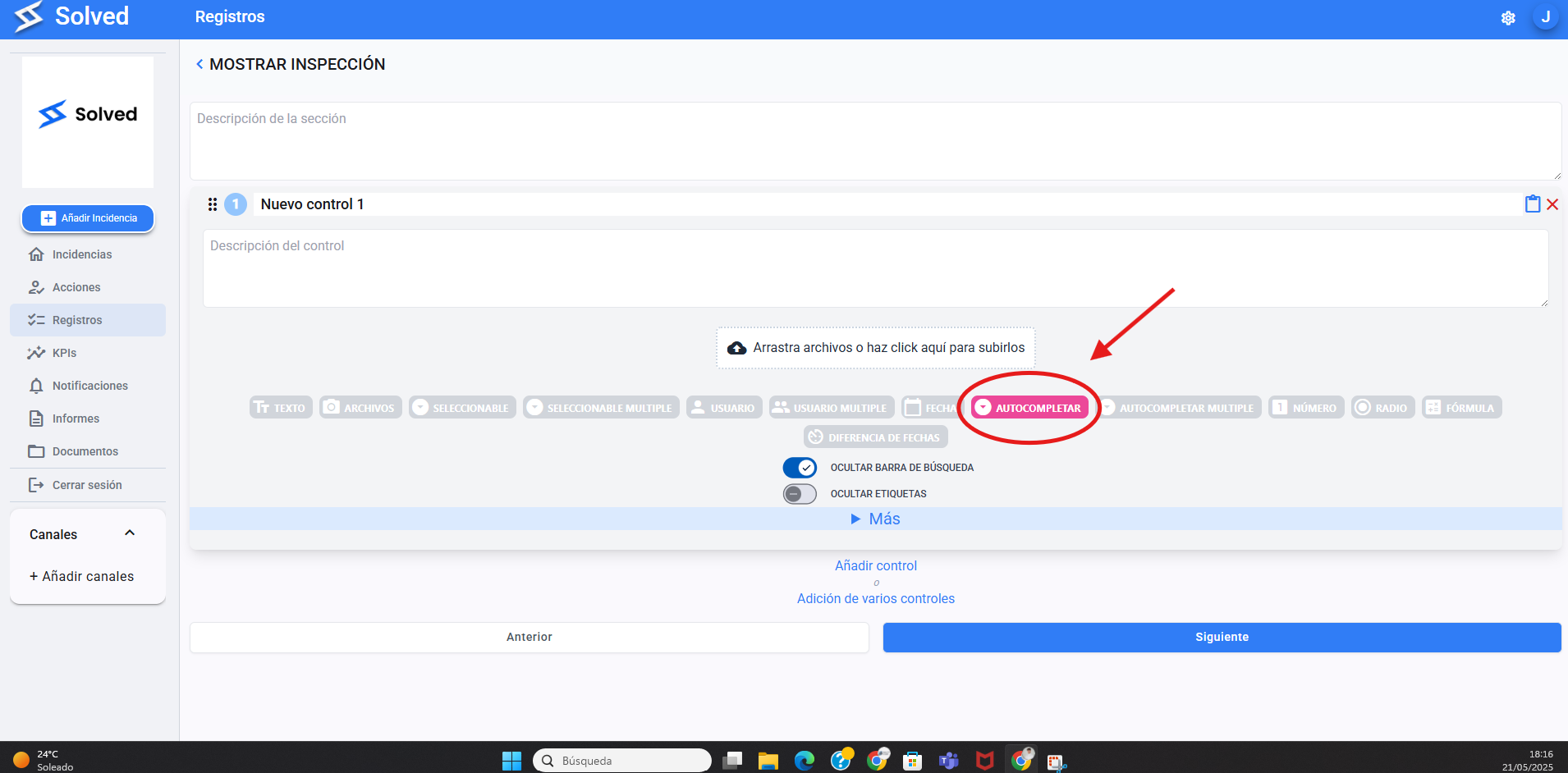
Works just like selectable, but with a search bar.
Super useful for long lists or big databases.
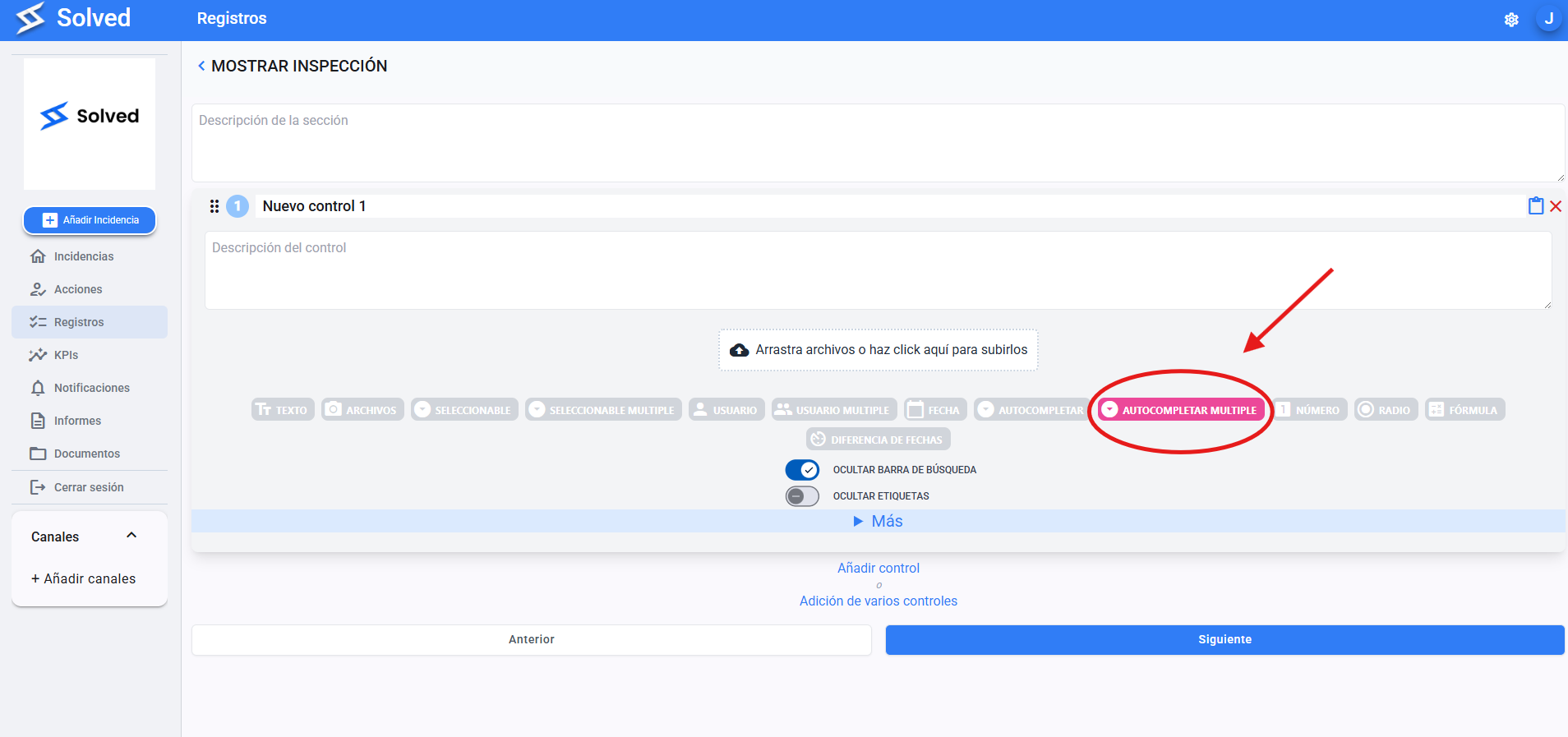
Lets you pick multiple options from a list, with search included.
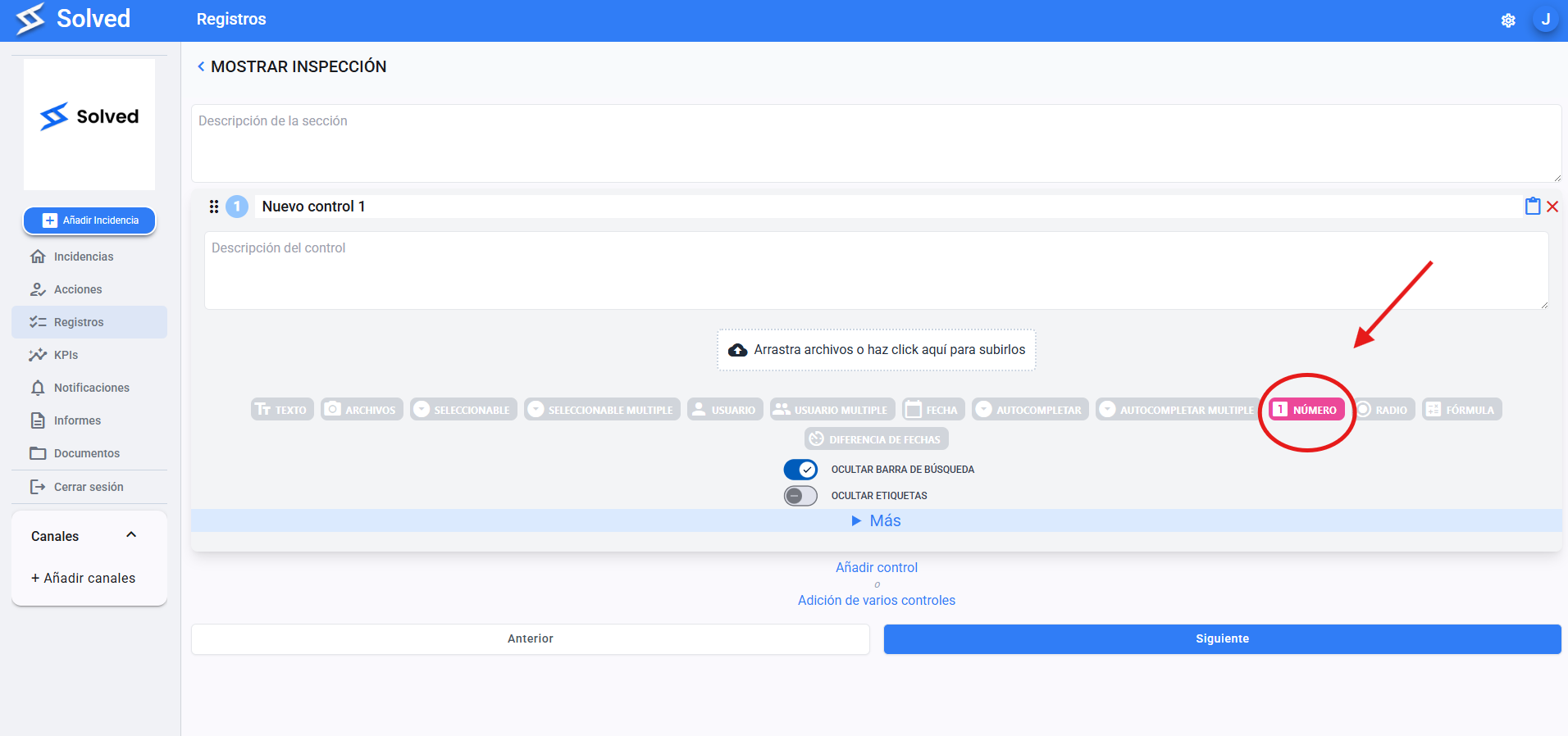
To enter numeric values.
You can use it with validations like minimum and maximum limits.
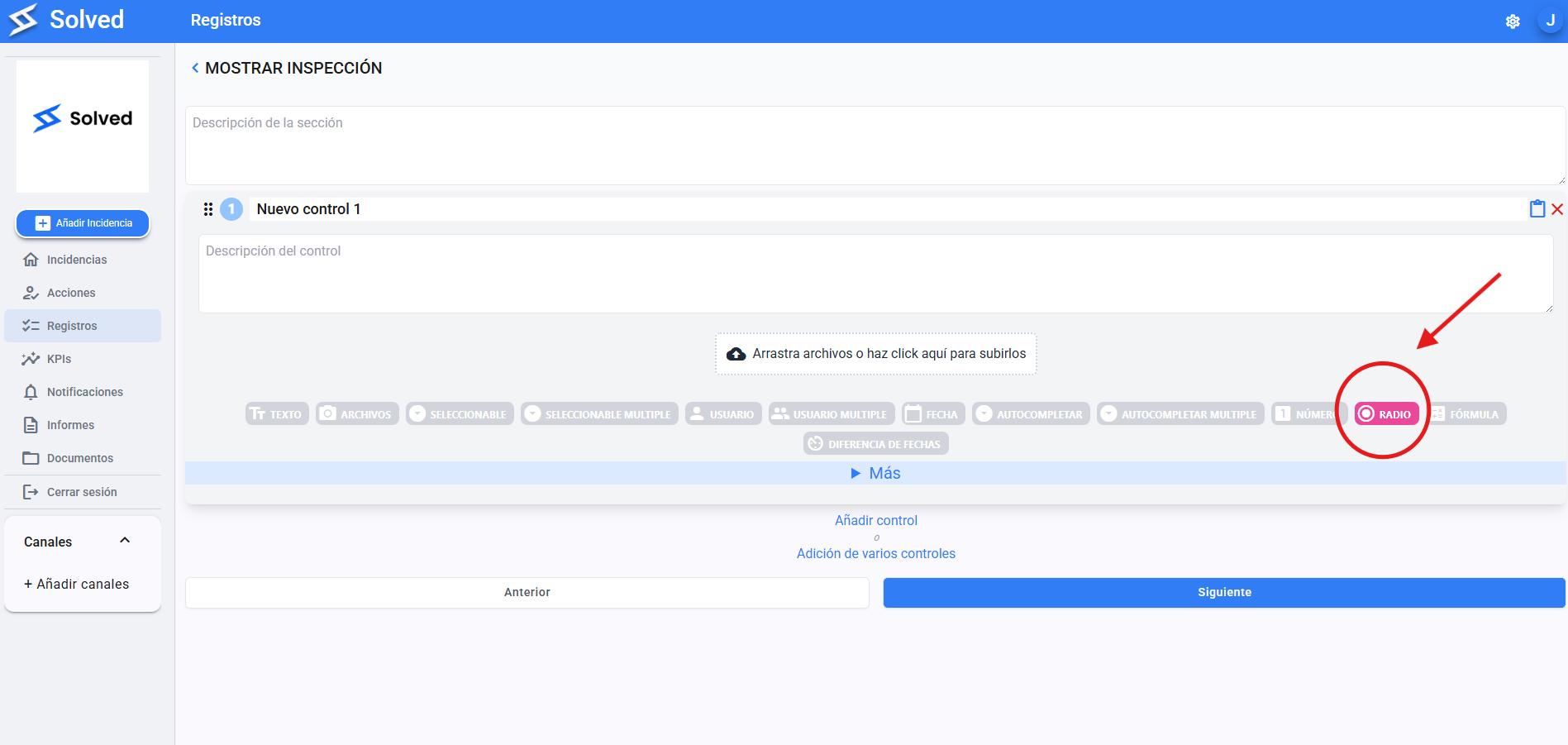
Shows all the options on screen with round buttons.
You select just one option, without opening menus.
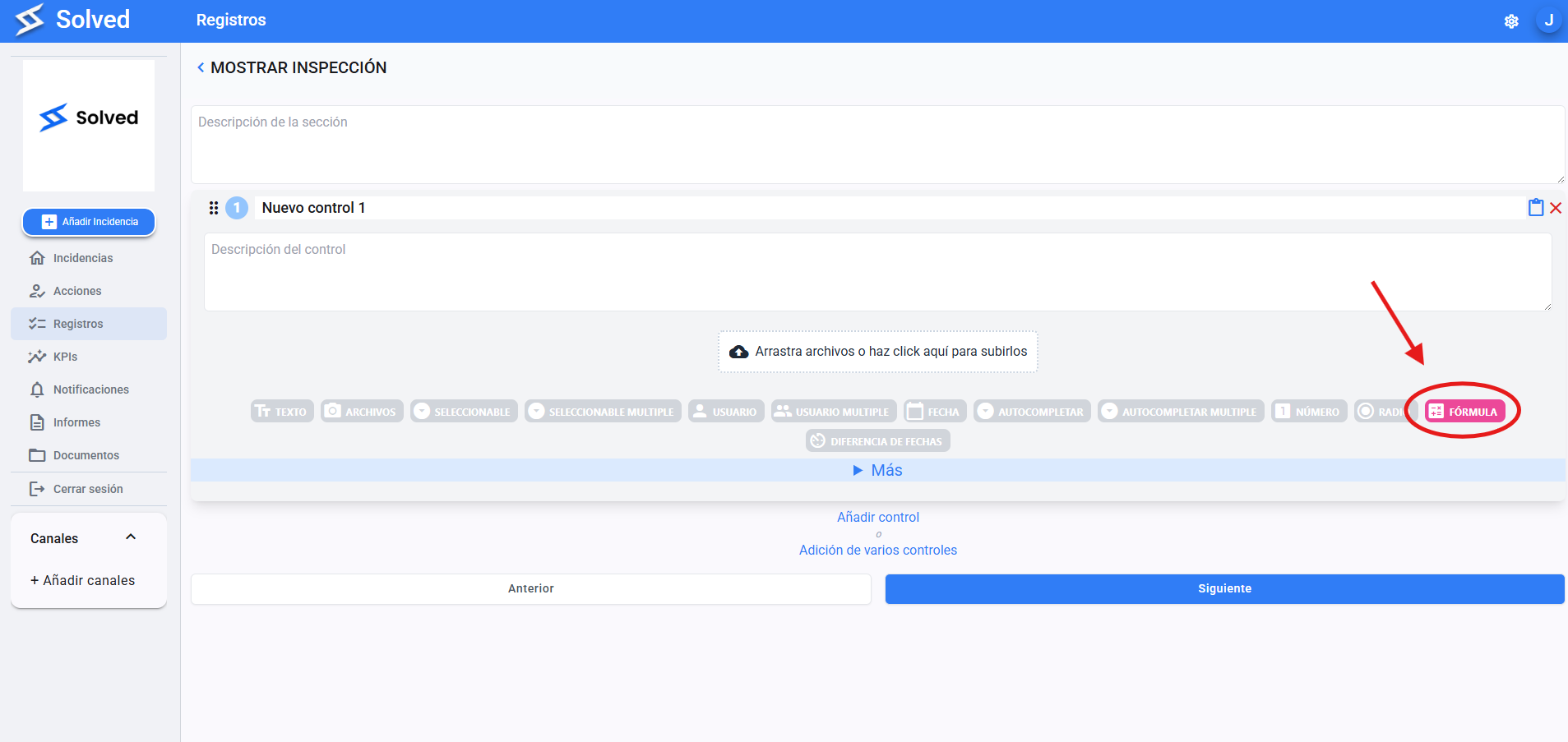
Lets you do automatic calculations inside the checklist, just like in Excel.
Super useful for adding up values, working out percentages, or doing operations.
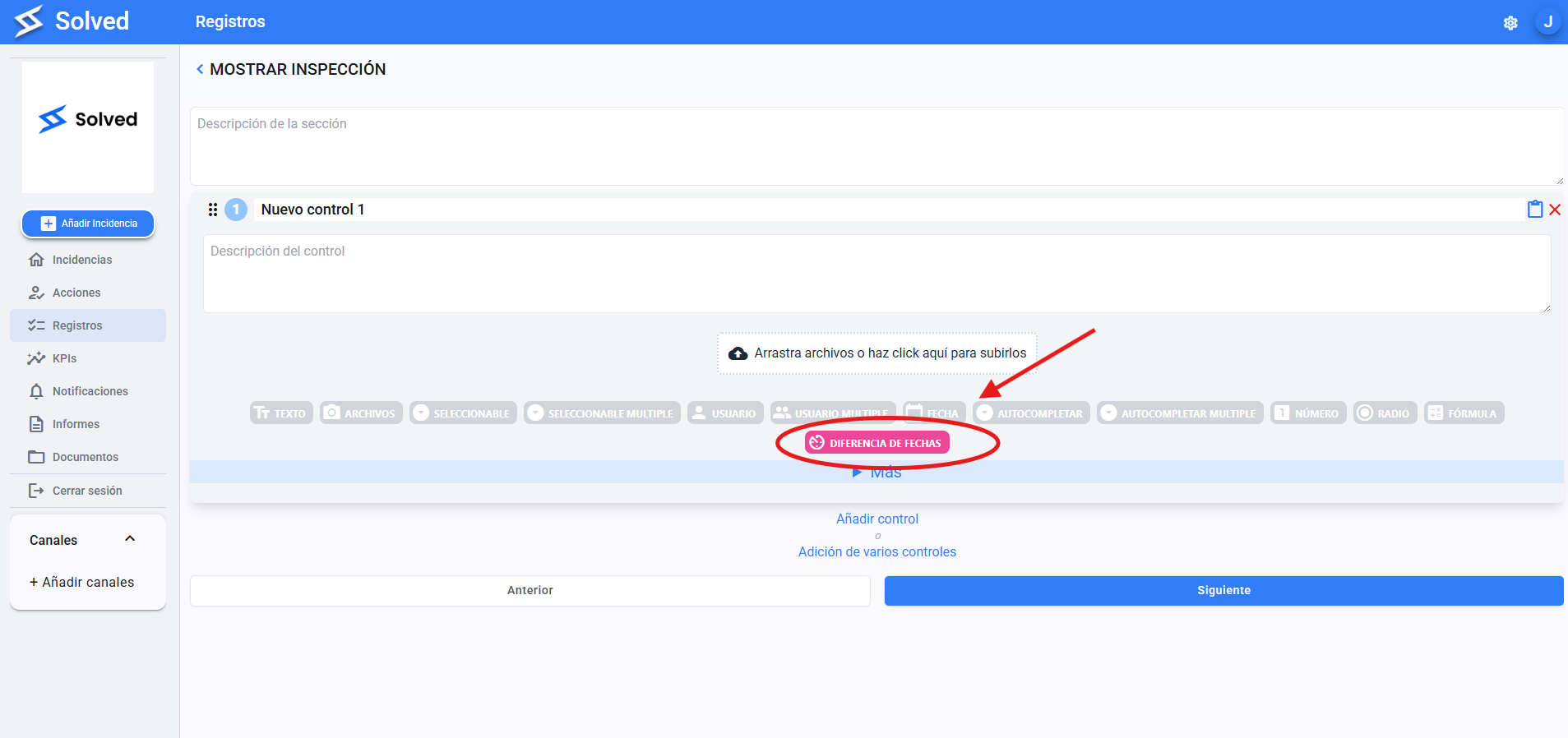
Automatically figures out the time between two dates (in days, hours, minutes, etc.).
Perfect for tracking delays, process duration, or how long something takes.