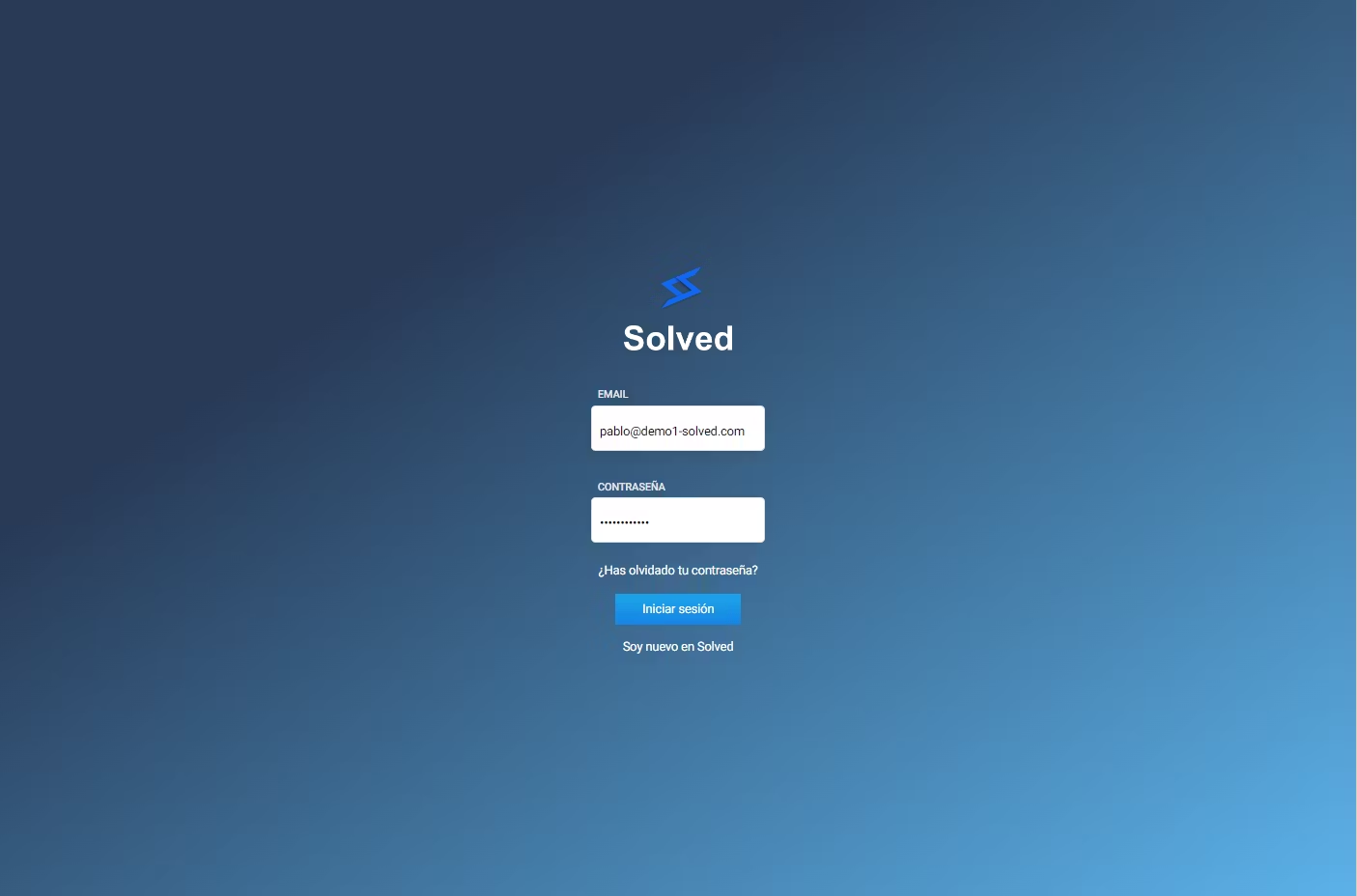
Open the browser and go to the login page of the platform:
Heads up: Use Google Chrome as your browser
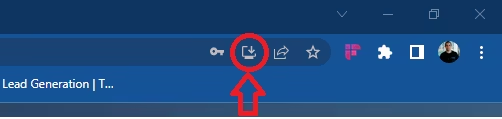
In the address bar, click the icon of the computer with a downward arrow
A new popup window will appear
Confirm the installation by hitting the “Install” button

6. You can now use Solved from your desktop!
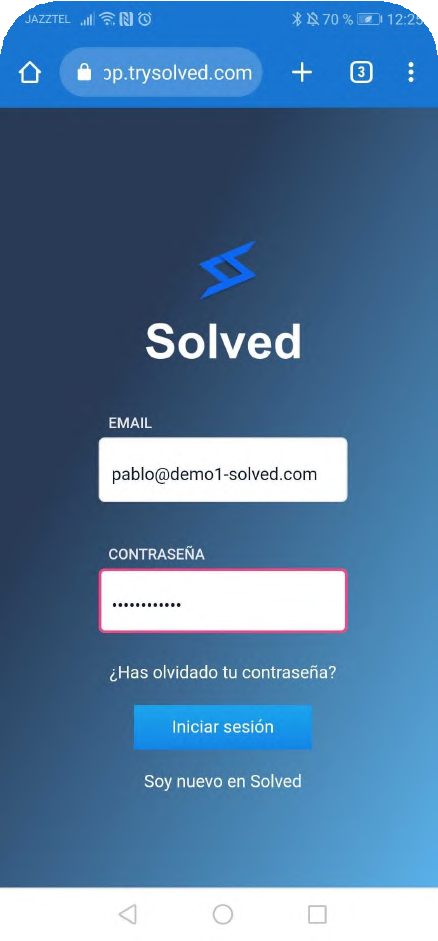
1. Using Google Chrome, go to the app’s website
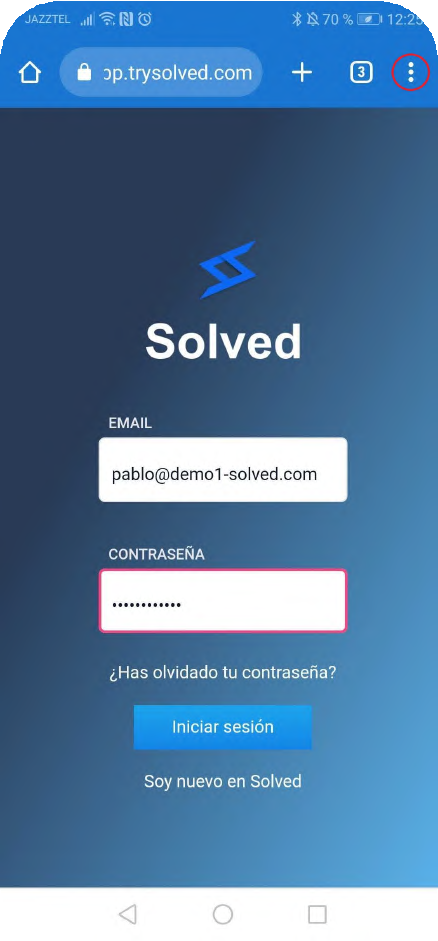
2. Open the app and tap the 3 dots marked in red
3. Next, a dropdown will open, where you need to click on install app, highlighted in red
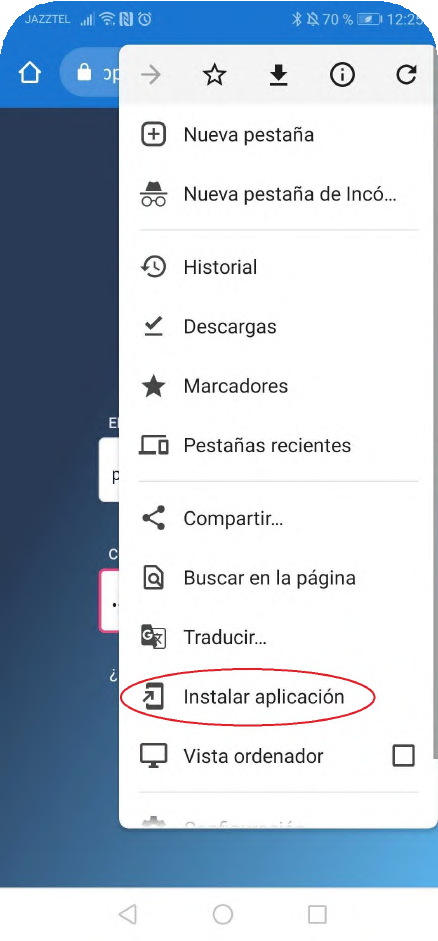
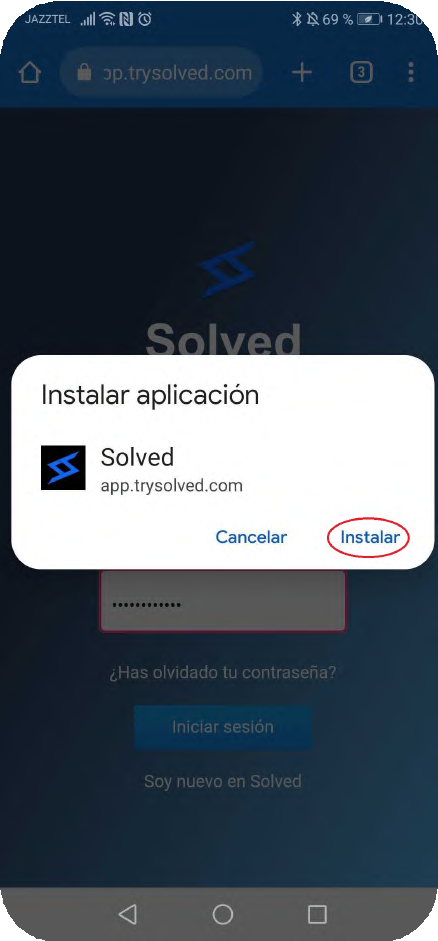
4. After clicking the install app button, a message will show up, tap install.
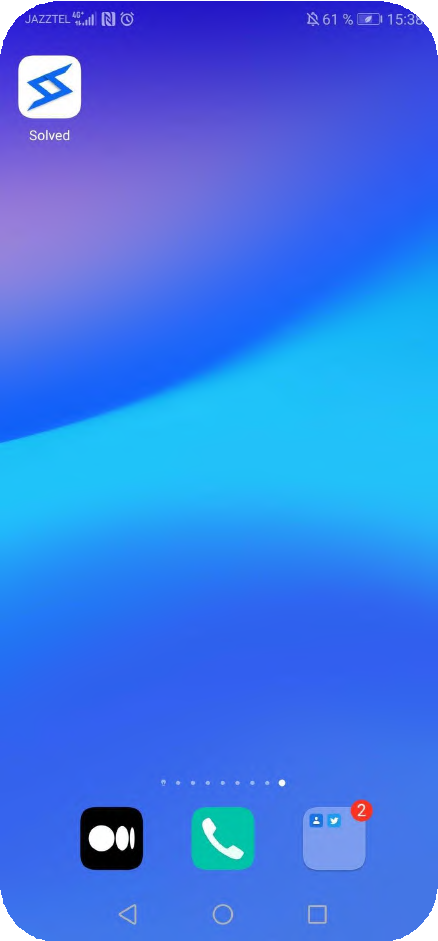
5. Now you can use Solved!
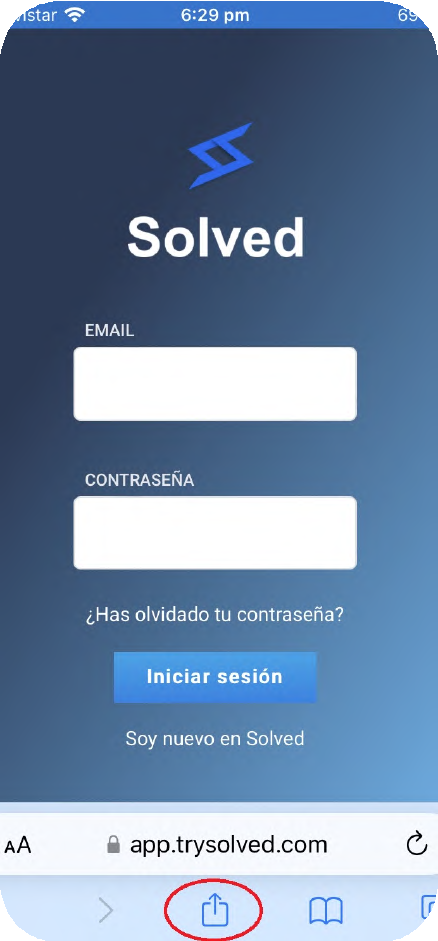
1. From Safari, go to the app’s website
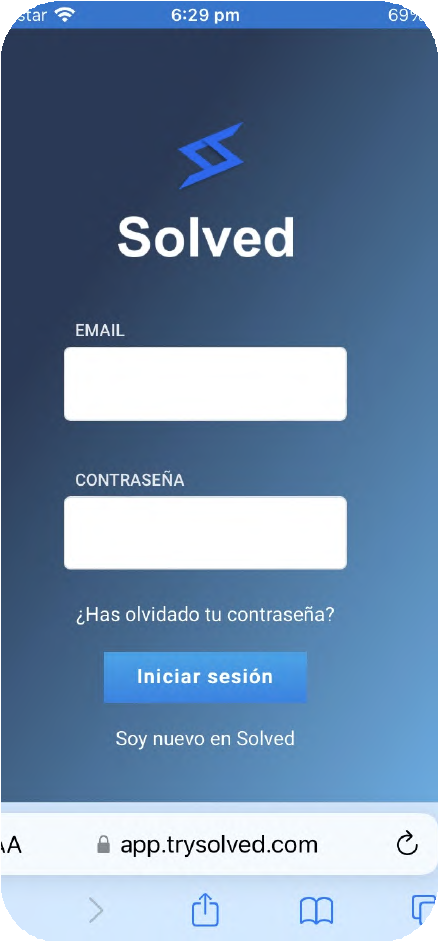
2. Tap the share icon, the one marked in red
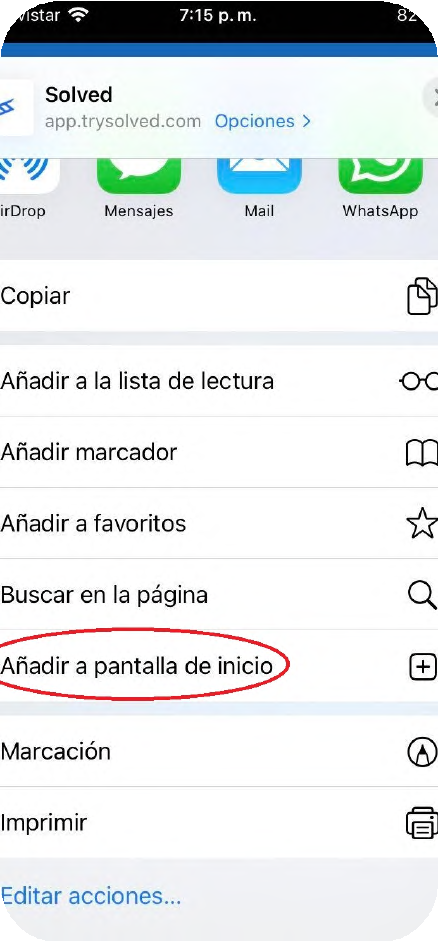
3. Then a dropdown will show up, and you need to tap “Add to home screen”
4. Now you can use Solved